
Upload your image
Drag your design into the browser. No special software, and no sign-up to try it.
Vintage print-look conversion
Turn photos and illustrations into an 80s-style vintage print, right in your browser. No install, no watermark.

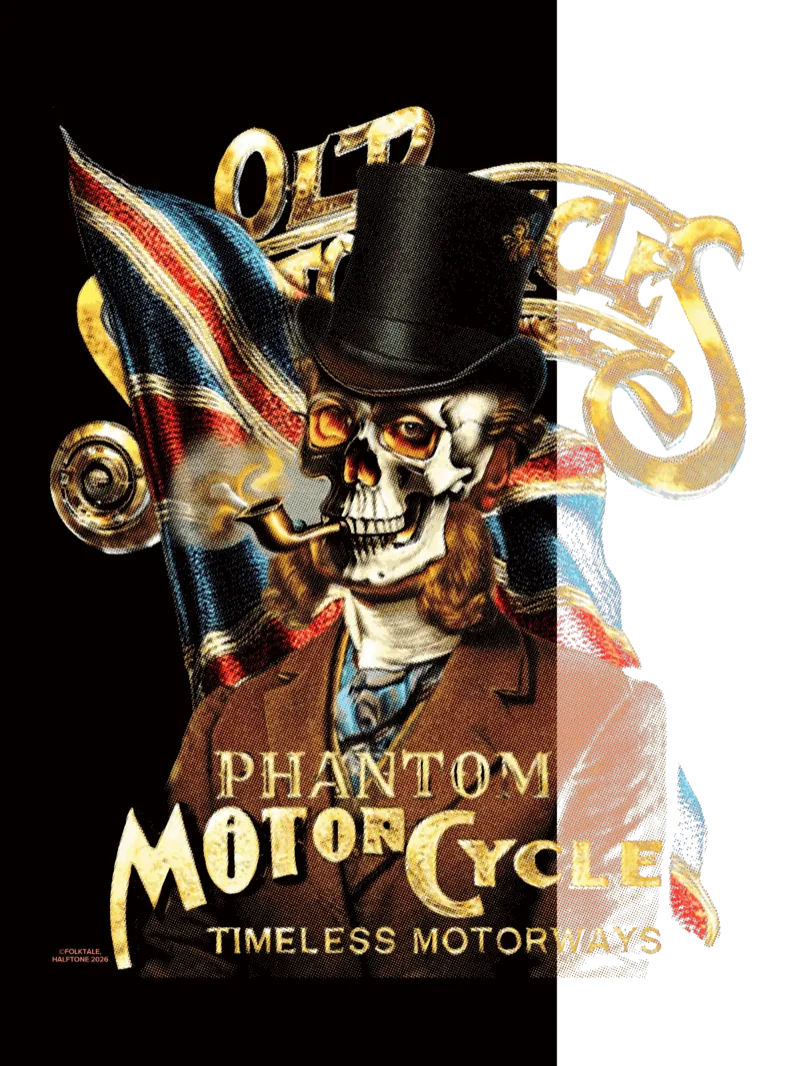
A design made with AI or from a photo, printed as-is on DTF, tends to look flat and digital — new but cheap. Vintage conversion recreates the old way of printing: several opaque inks layered on dark fabric, with faded colors, misregistration and that worn texture only analog printing has.
HALFTONE recreates that vintage look on your digital file. DTF is digital printing, but you can give it the soul of 80s vintage — a texture that comes from the printing method itself, in the browser, with no install and no watermark.
Upload your image
Drag your design into the browser. No special software, and no sign-up to try it.
Pick 80s Vintage
The app opens on the 80s Vintage preset. Tune the color and dot grain until it fits your art.
Download and print
Export your converted image and drop it into your usual DTF printing flow.
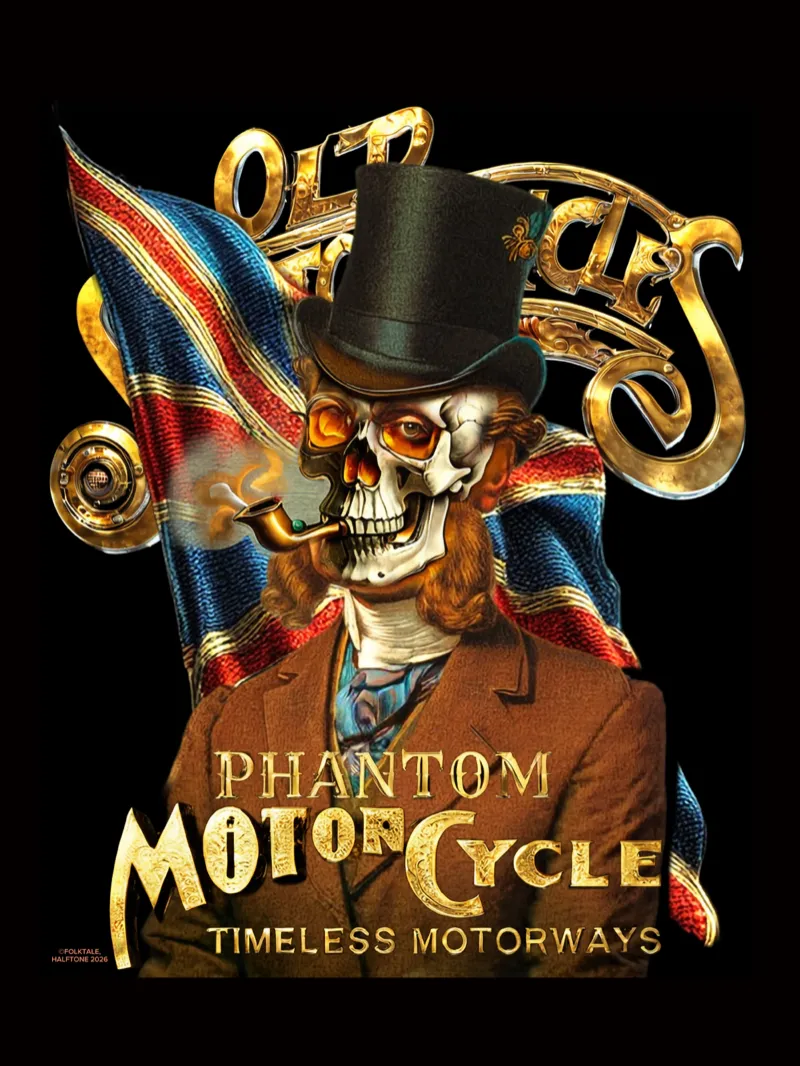
Original image on the left, vintage conversion on the right.
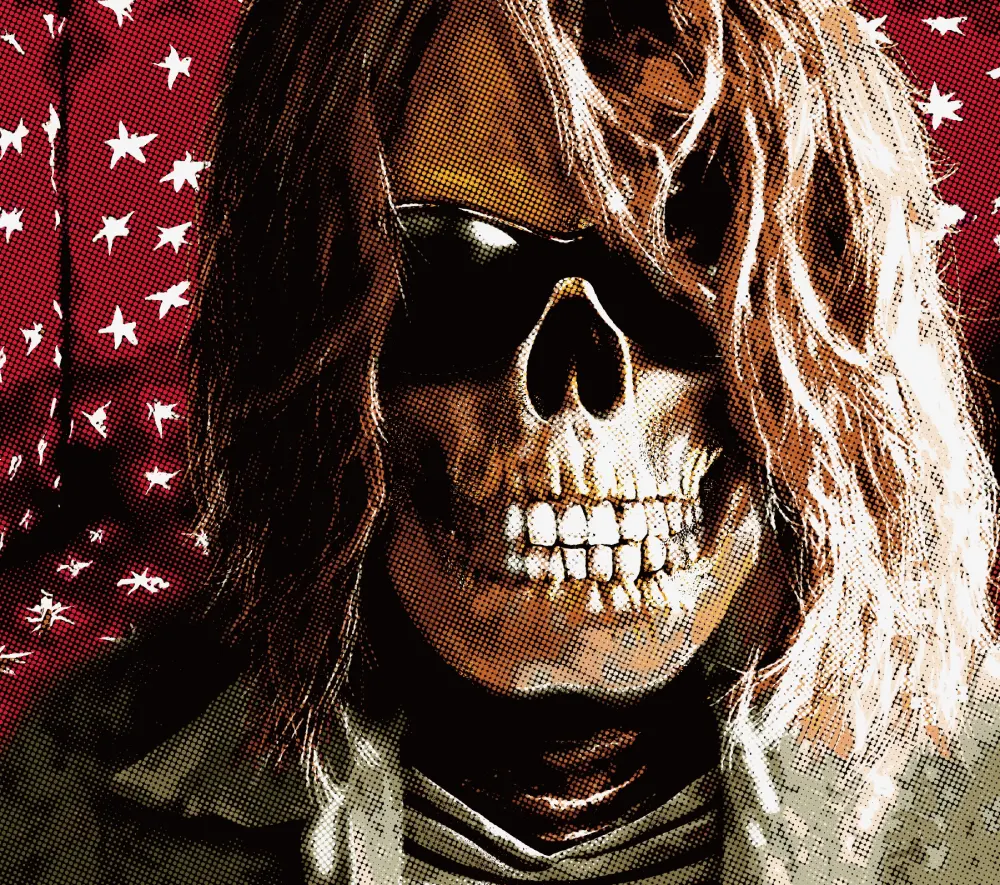
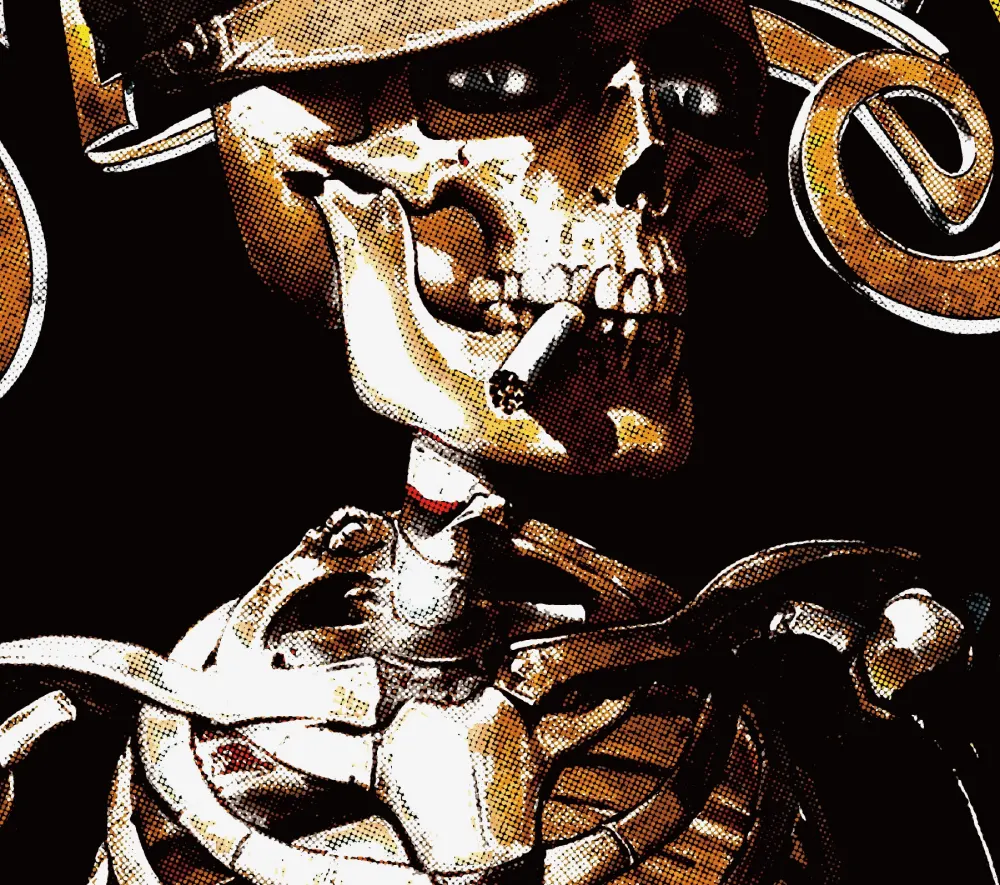
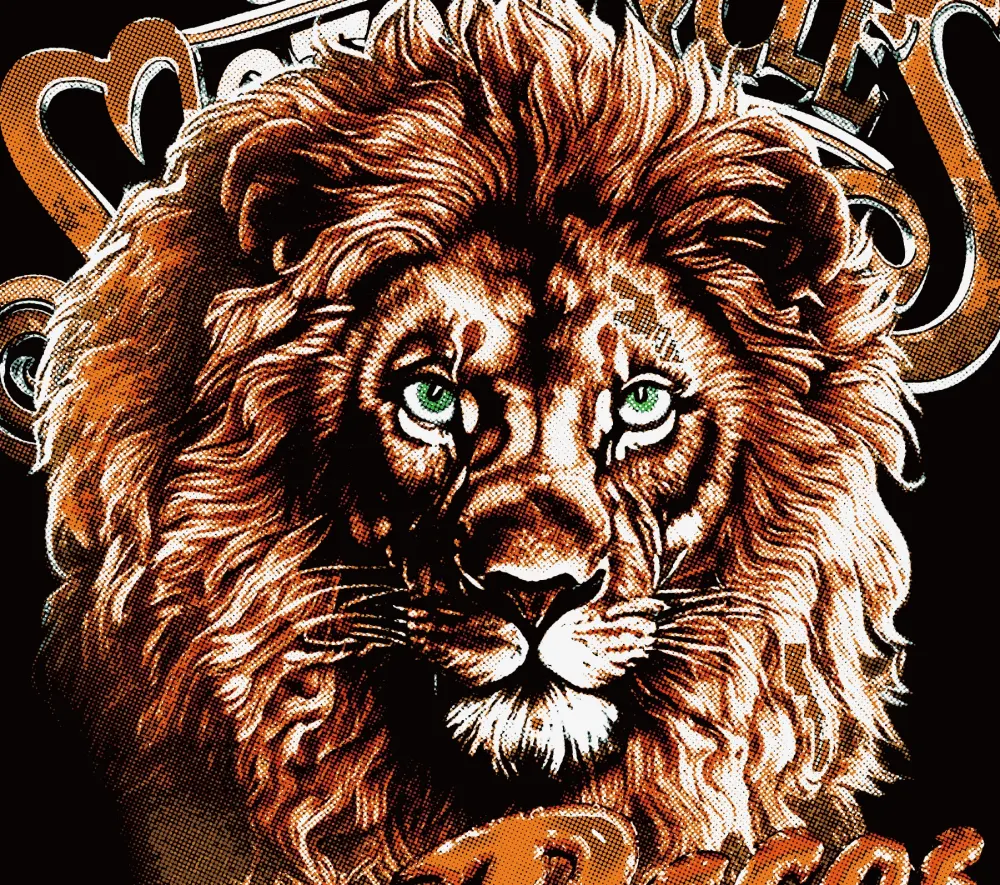
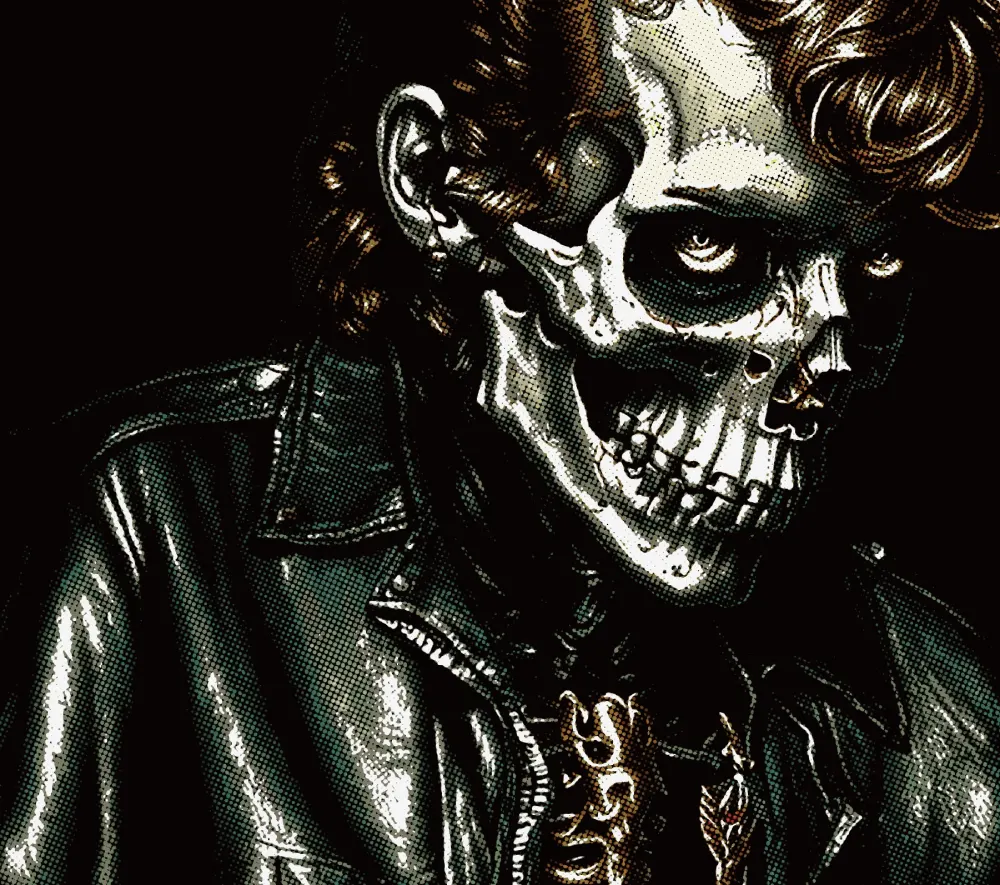
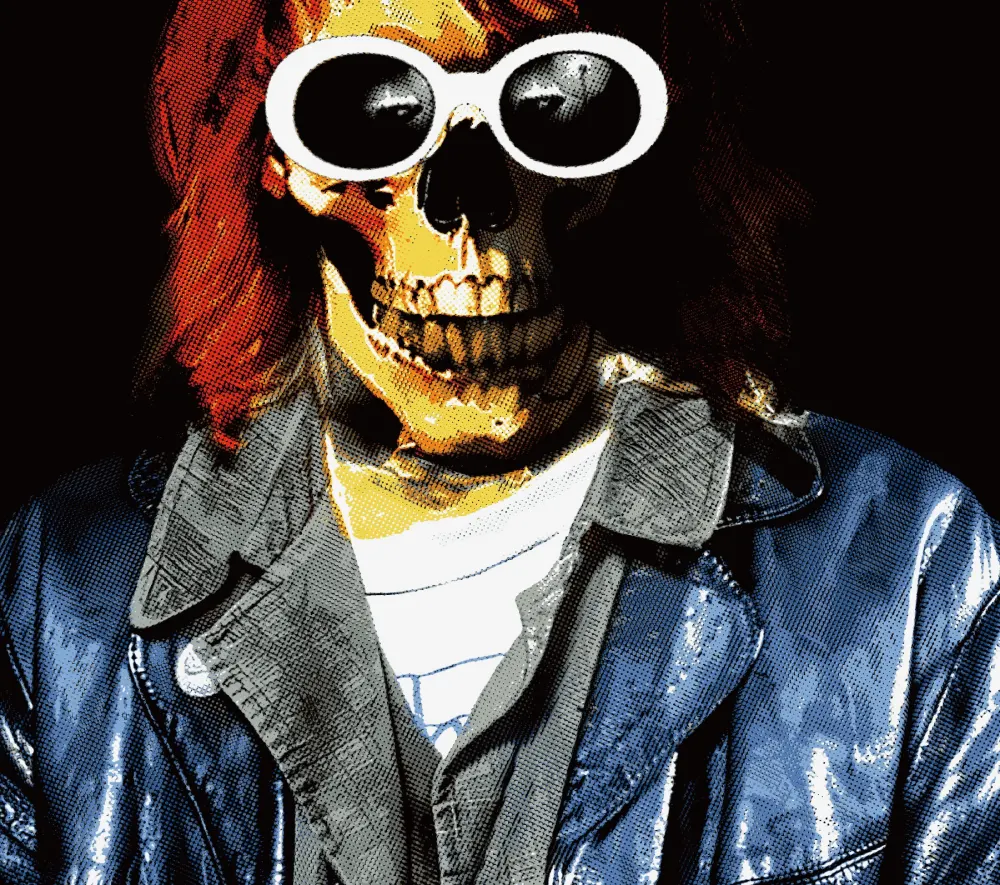
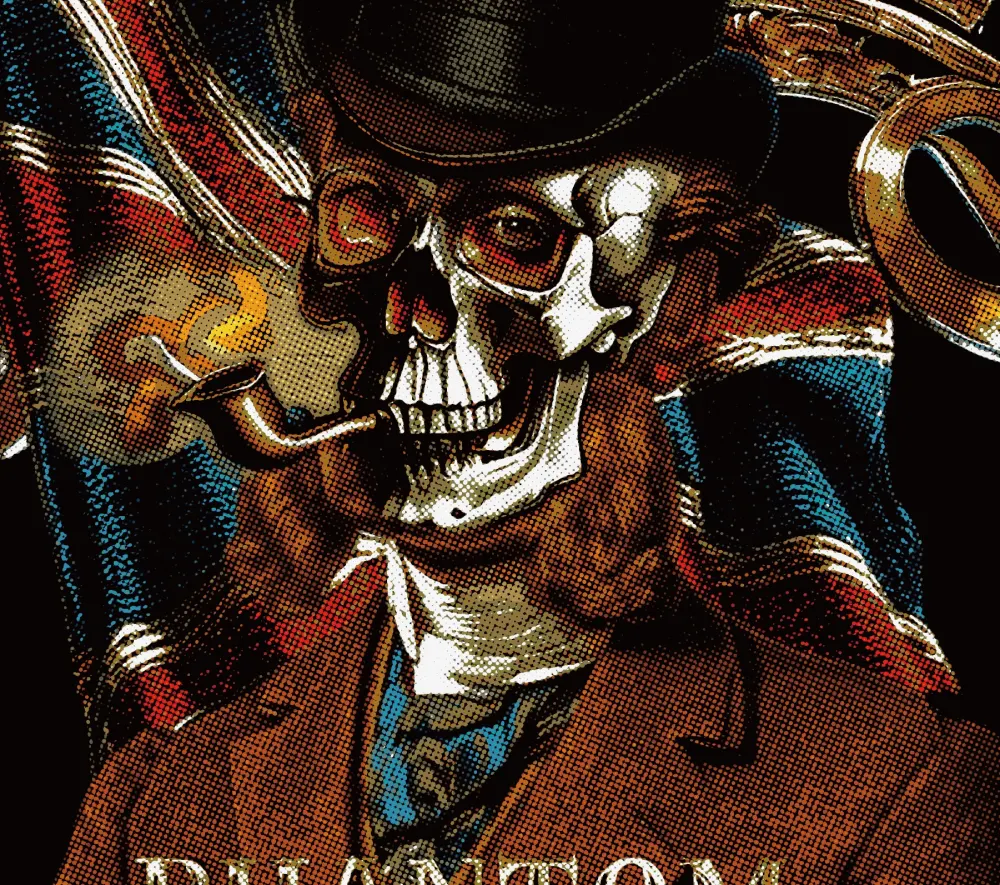
Enlarged crops of the vintage conversion — the dot grain and tonal build that give a printed-on-fabric feel.
Converting and previewing the result is free. When you move to batch production, Base ZIP exports the base of your design ready for your flow — a package made for DTF shops that repeat jobs.