
The lost texture of vintage prints — the kind no filter can fake.
Digital and AI art tends to look flat and plastic once it's printed on fabric. HALFTONE uses halftone conversion to give it the feel of a genuine vintage print. Runs in your browser — no install.

Sometimes, everything is decided in a place no one notices.
In America in the '80s and '90s, certain people spent 40 hours a week in a darkroom. For t-shirt graphics. To place halftone dots, one by one, by hand. It was invisible work — invisible to the people who bought the shirts. But that invisible work was what separated the real from the fake.
I first felt it at a vintage clothing store near where I lived. I picked up a single piece. I knew nothing about vintage t-shirts, but I thought: this is something. I brought it home and looked closely. The precision of the halftone dots stopped me. I didn't know if it was hand-printed or machine-made. But I knew someone had made this with everything they had.
Final print-ready artwork that inevitably stays digital, or AI-generated art, has a plastic quality to it. HALFTONE applies halftone conversion to that. Most people can't put into words why the difference appears. But they feel it.
That is where HALFTONE begins.
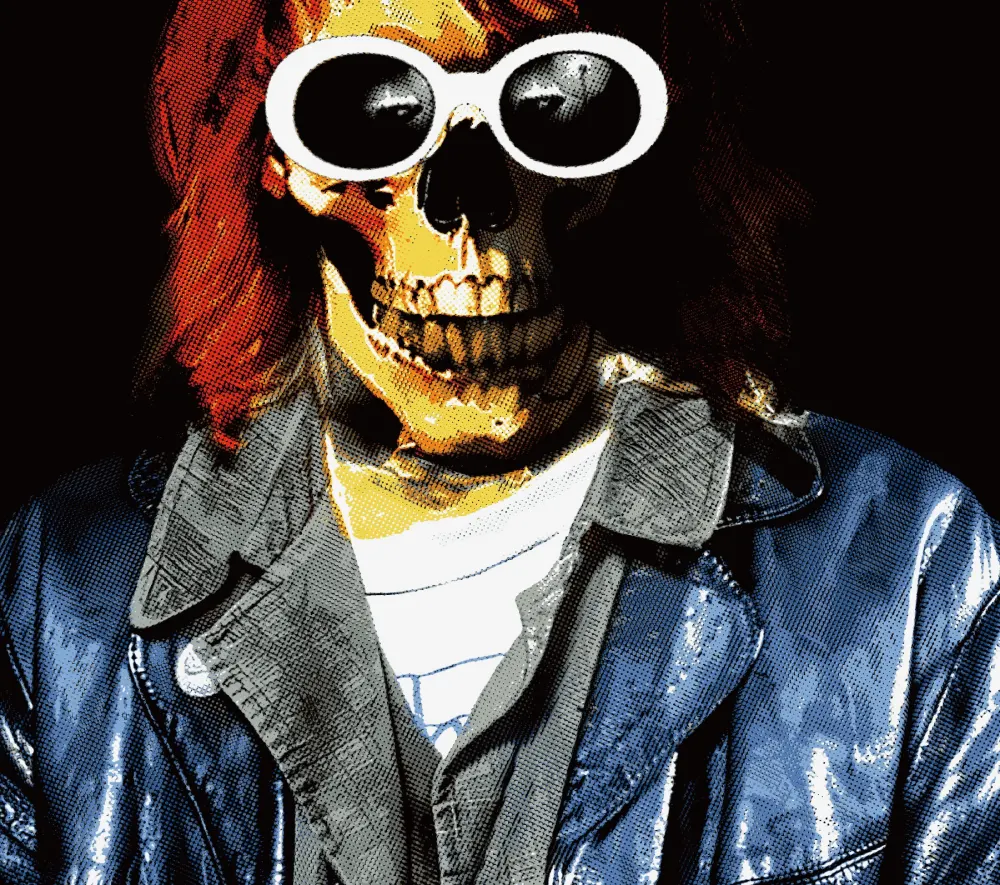
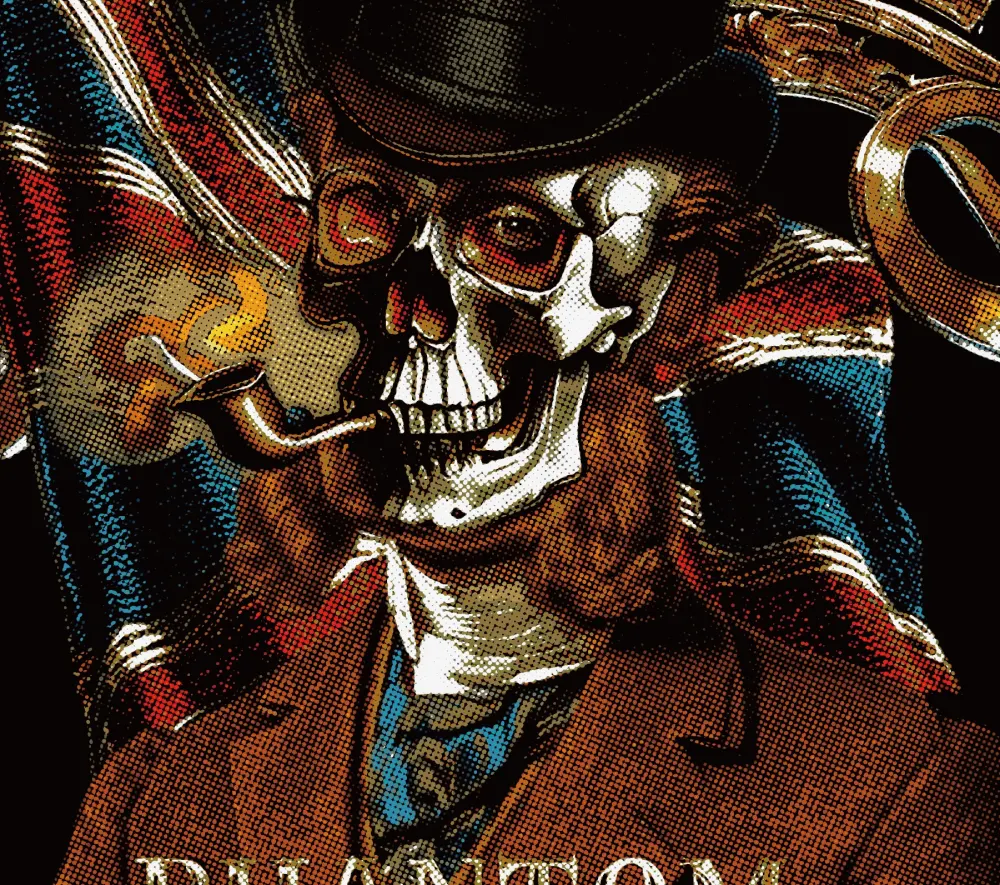
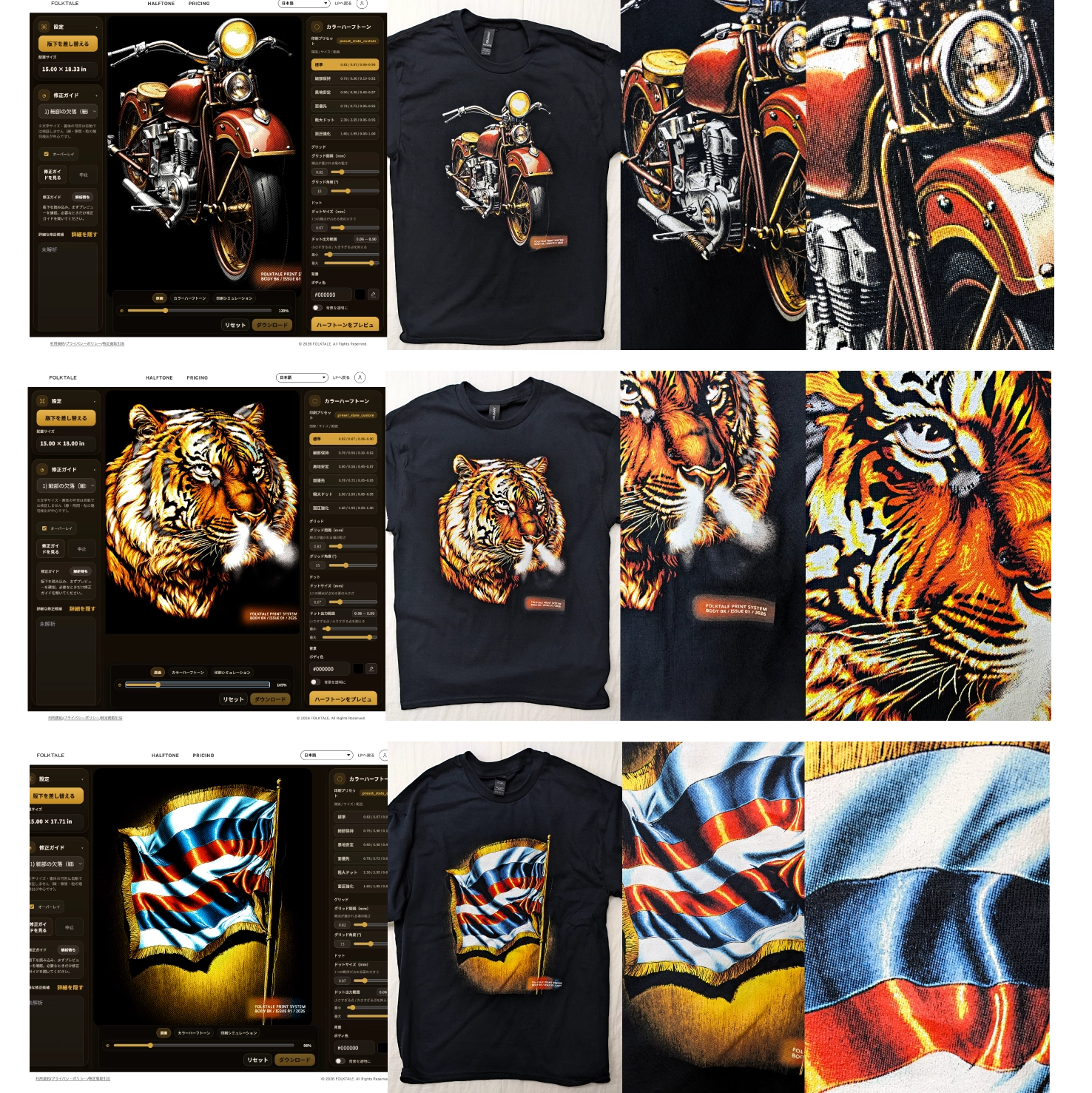
Halftone texture, up close
Enlarged crops of a halftone conversion — the dot grain and tonal build that give a printed-on-fabric feel.
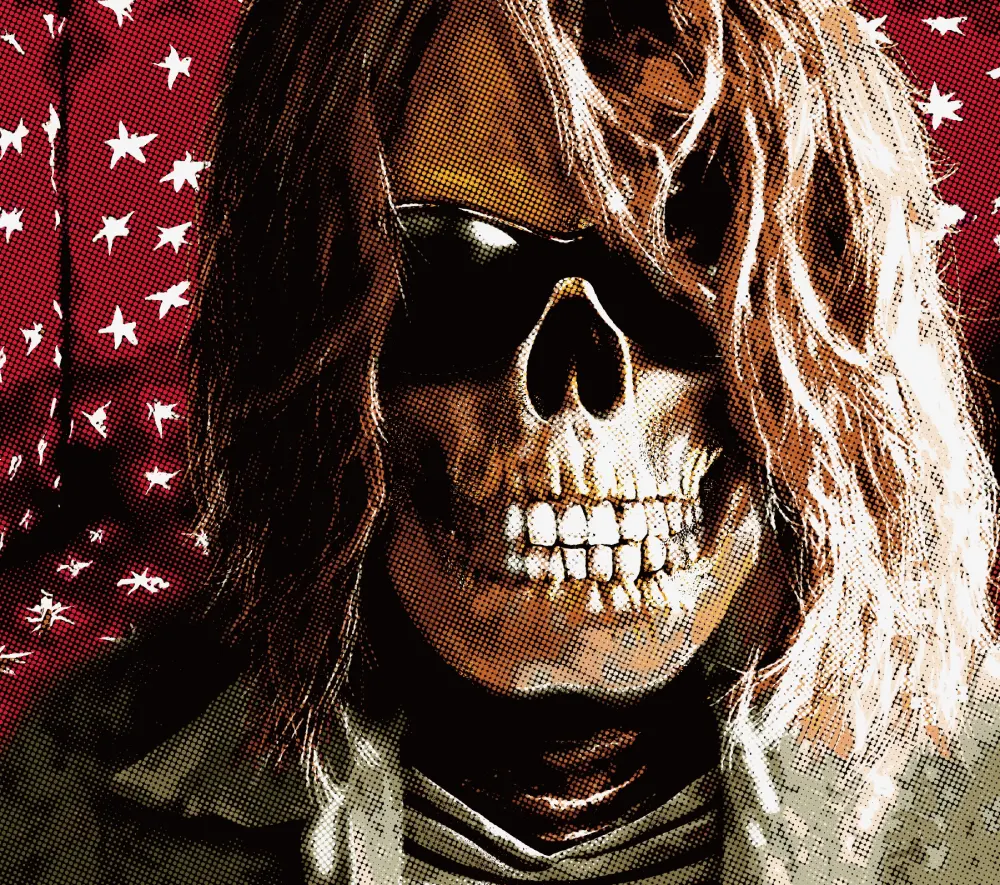
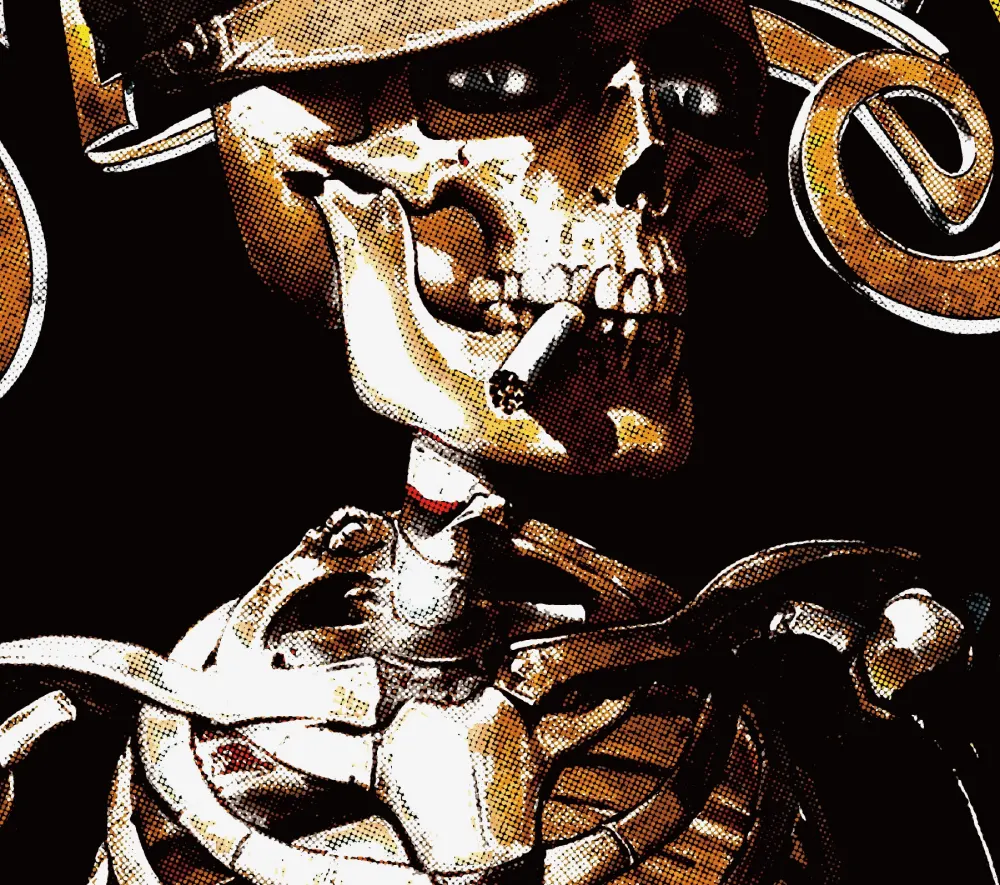
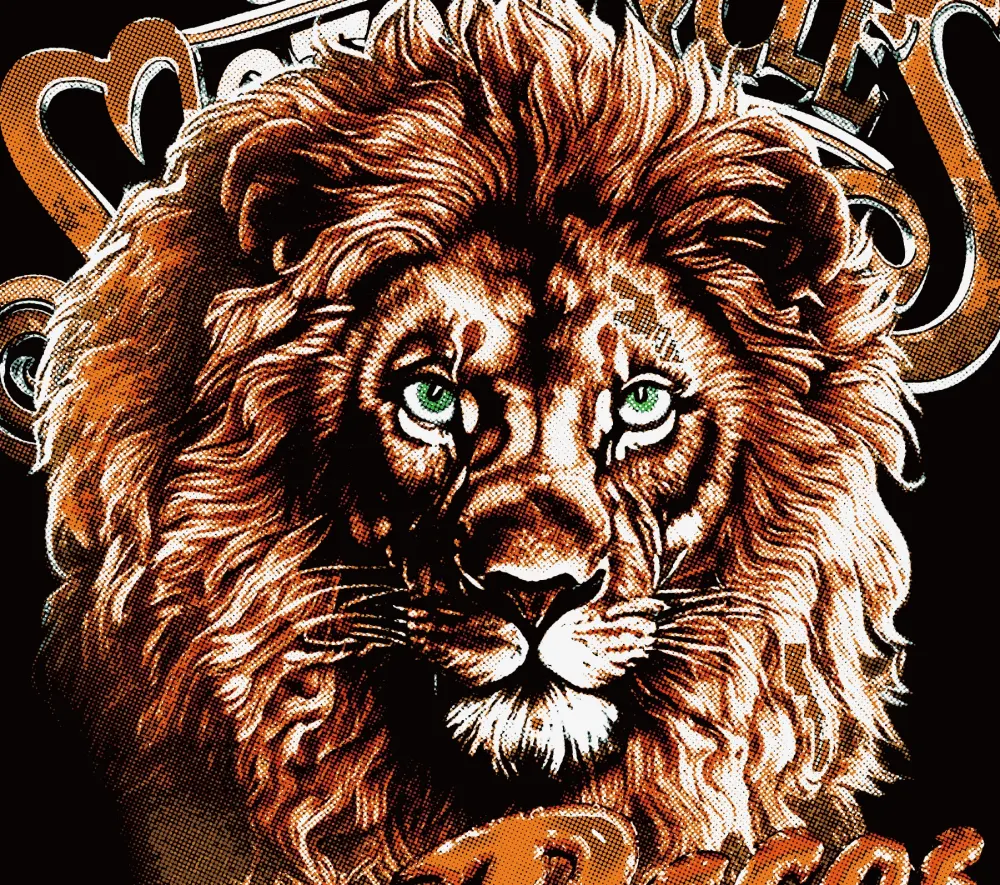
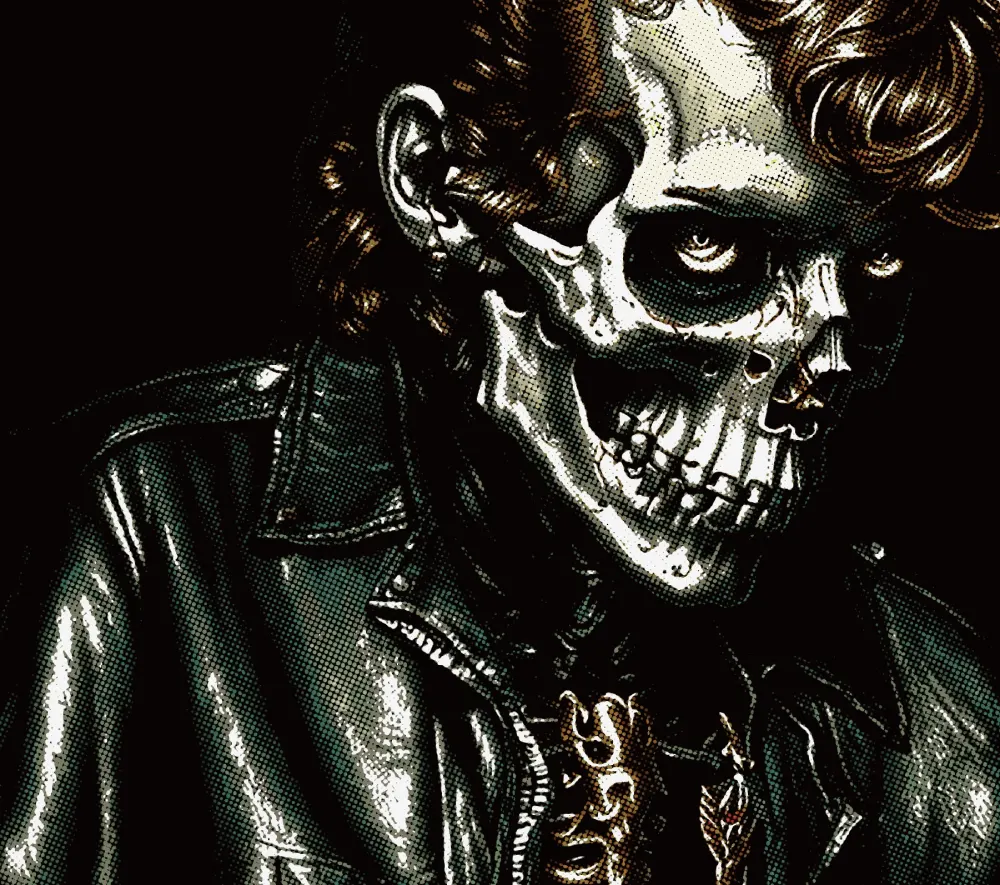
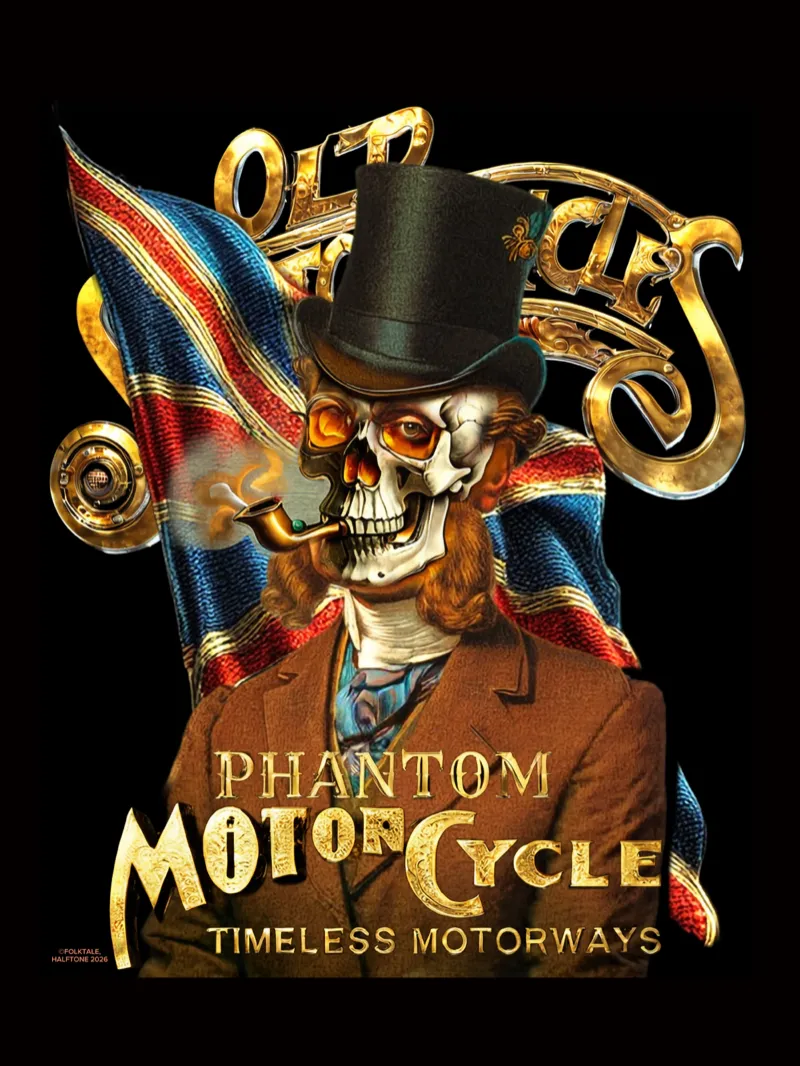
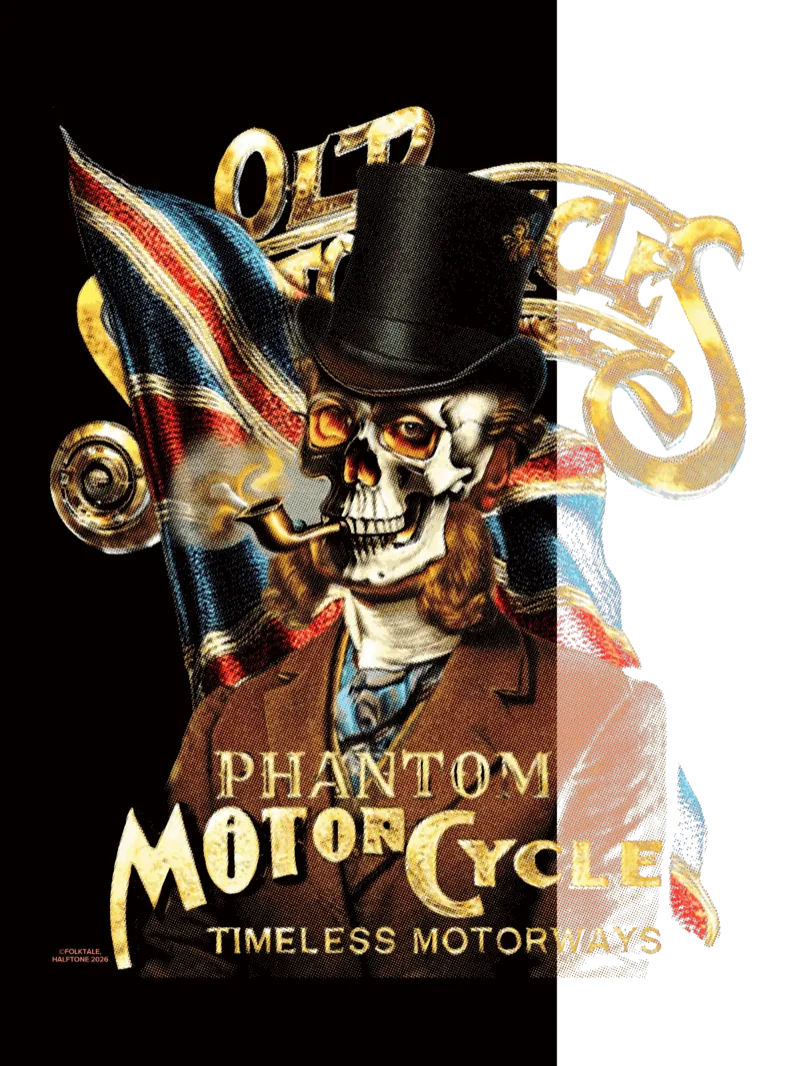
What emerges when your file becomes a print.
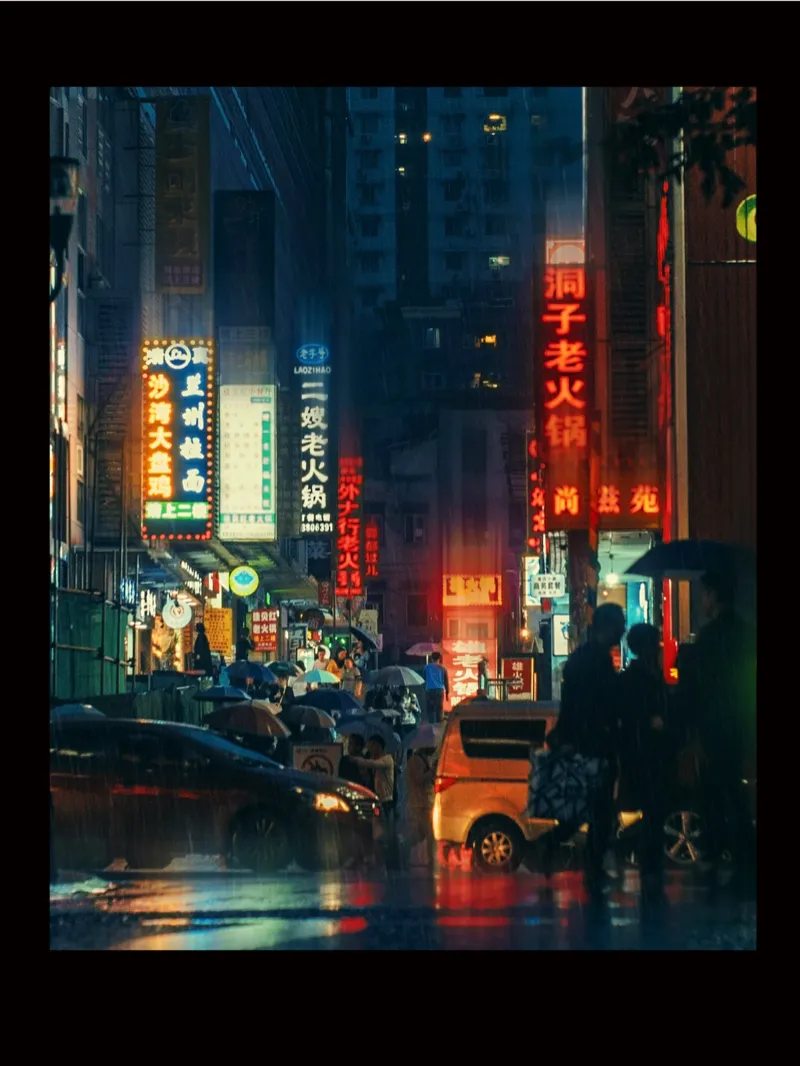
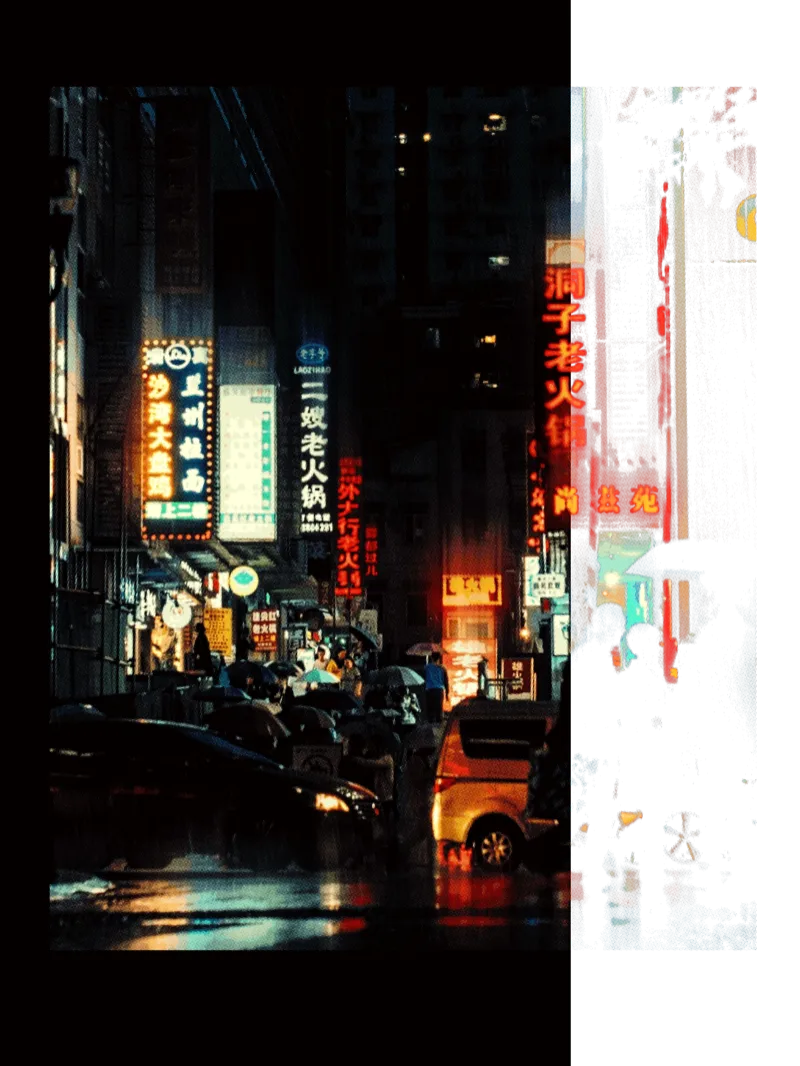
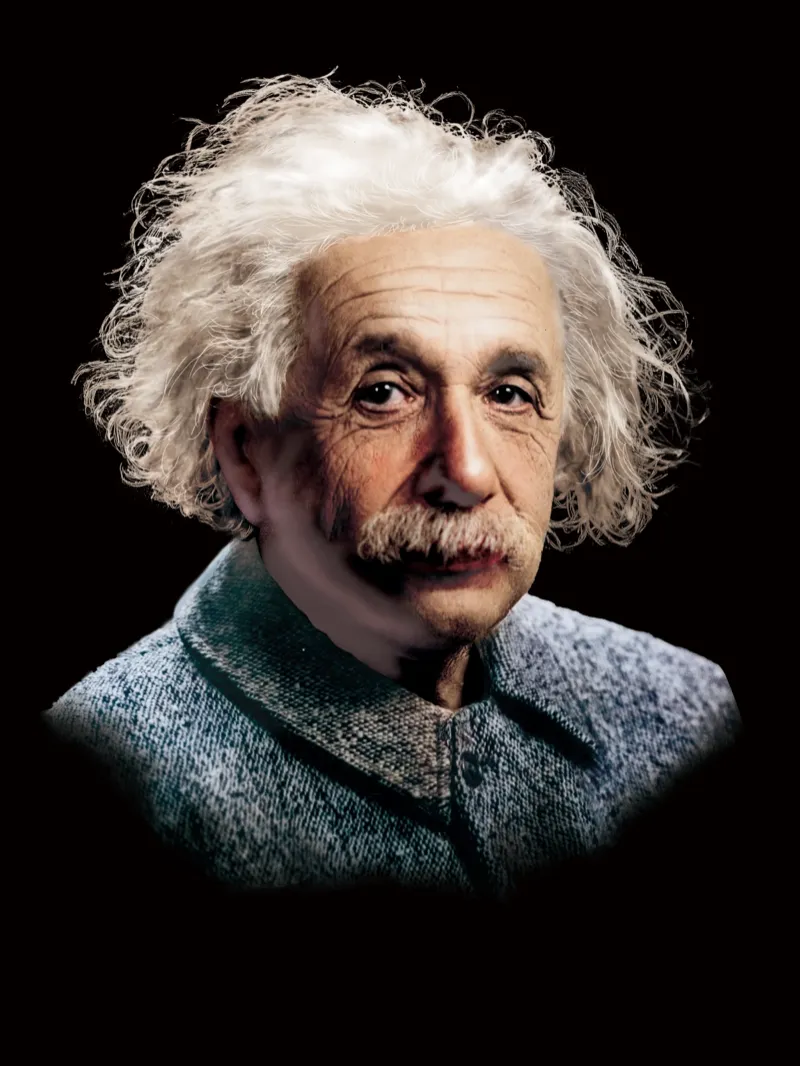
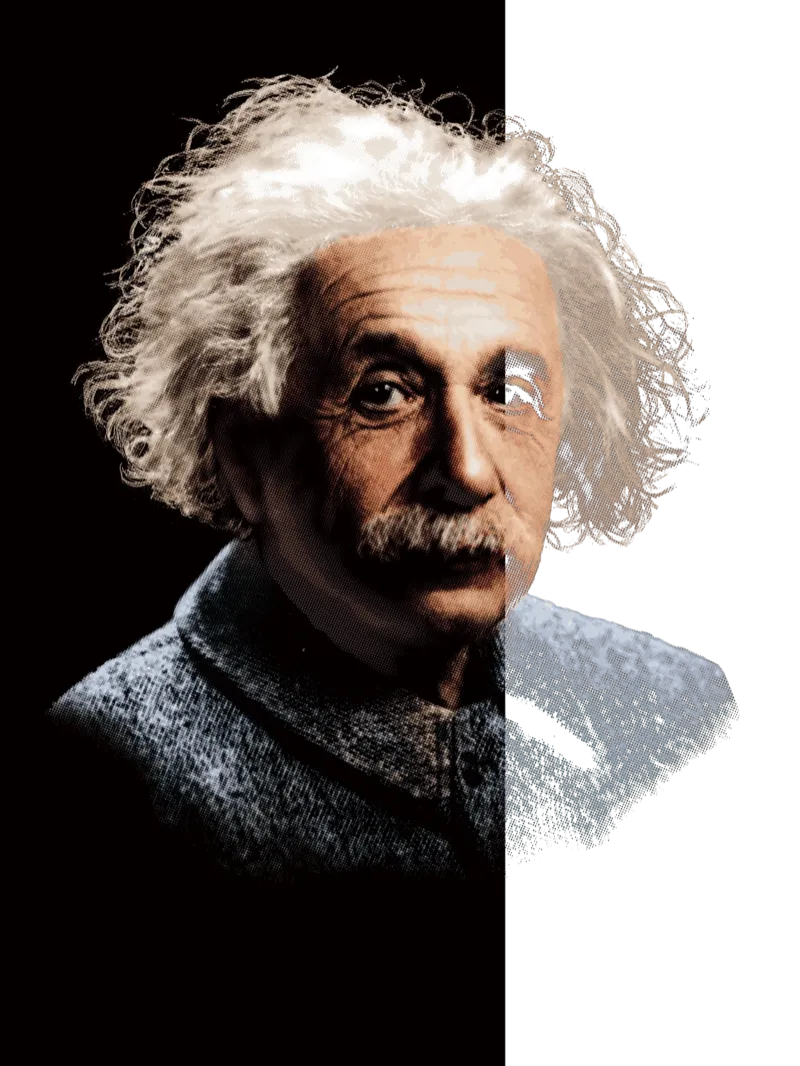
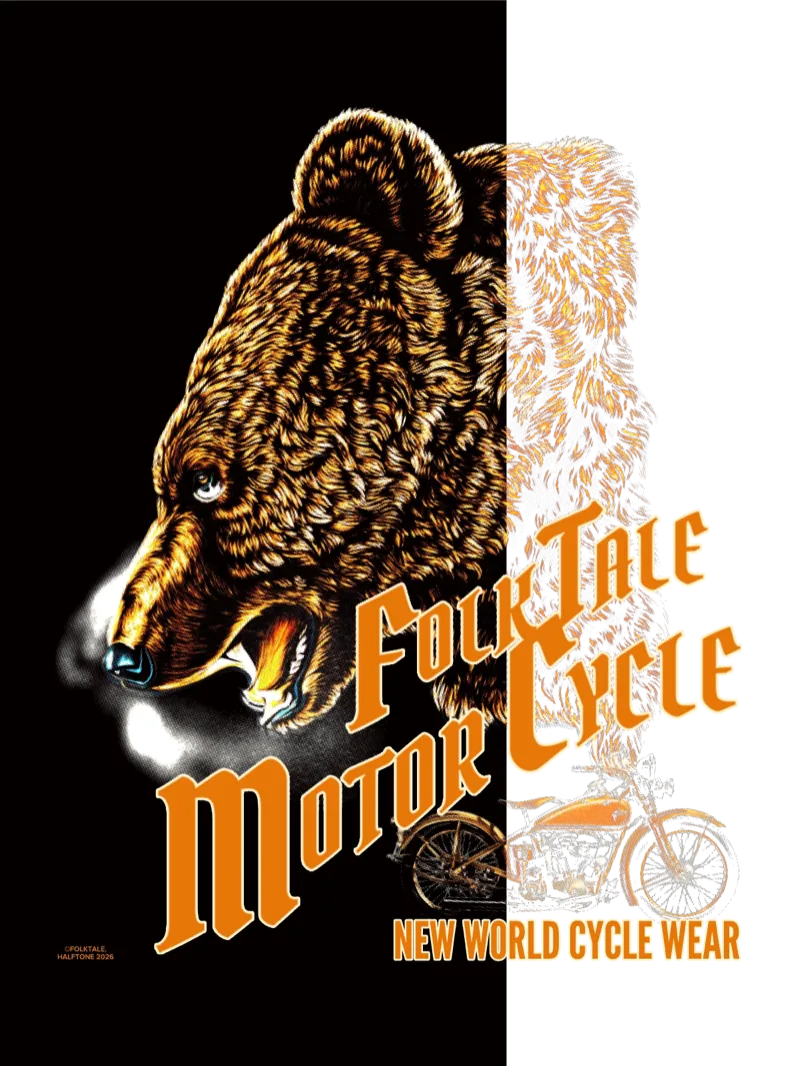
Original on the left, converted on the right — drag to compare. Halftone doesn't just scatter dots: it rebuilds your art as a layered ink print, giving a brand-new file the material character of something actually printed on cloth.
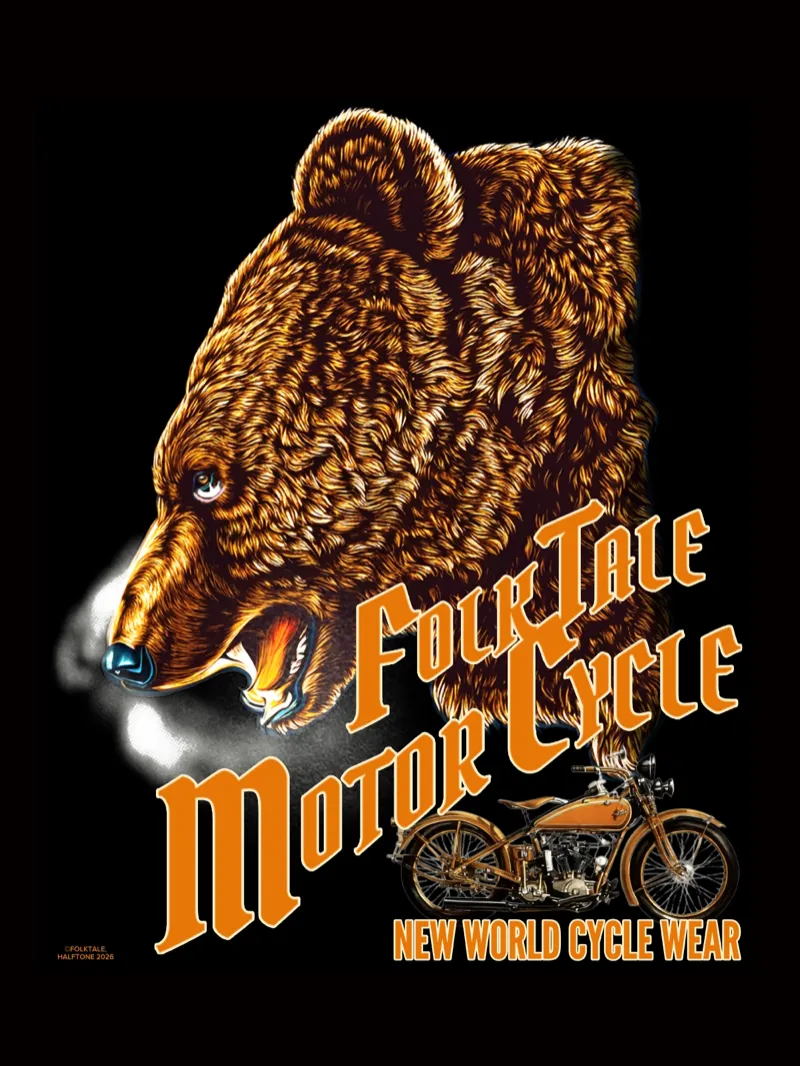
Works with major POD platforms
The converted file works directly with your existing submission workflow.
What exists between digital and fabric.
Digital artwork looks different on fabric. When it crosses to cloth, tonal gradients compress and fine lines disappear. The result: repeated sample orders.
There are two territories within what we call vintage.
One — like the 501XX — where the physical properties of the original indigo and cotton fiber are irreplaceable. The other is a territory where possibility remains open. What if your artwork had been printed with the techniques of that era — something that could have existed there.
That is where HALFTONE points. It converts the artwork you draw today into something that retains the possibility of having existed in that time. Not reproduction — a translation of possibility.
Privacy Analysis runs in the browser. Your creative work belongs to you.
Honesty No promise of perfection. Conversion assists, but the final judgment belongs to your eye. That is the honest design.
Understand it through vintage-shirt comparisons
Real-print comparisons to understand the gap between digital and fabric concretely.
Comparison / Evidence
How far can a vintage tee texture hold on POD?
Using a 3D EMBLEM as reference, compare real shirt, standard conversion, and halftone conversion to see what must hold.
View comparison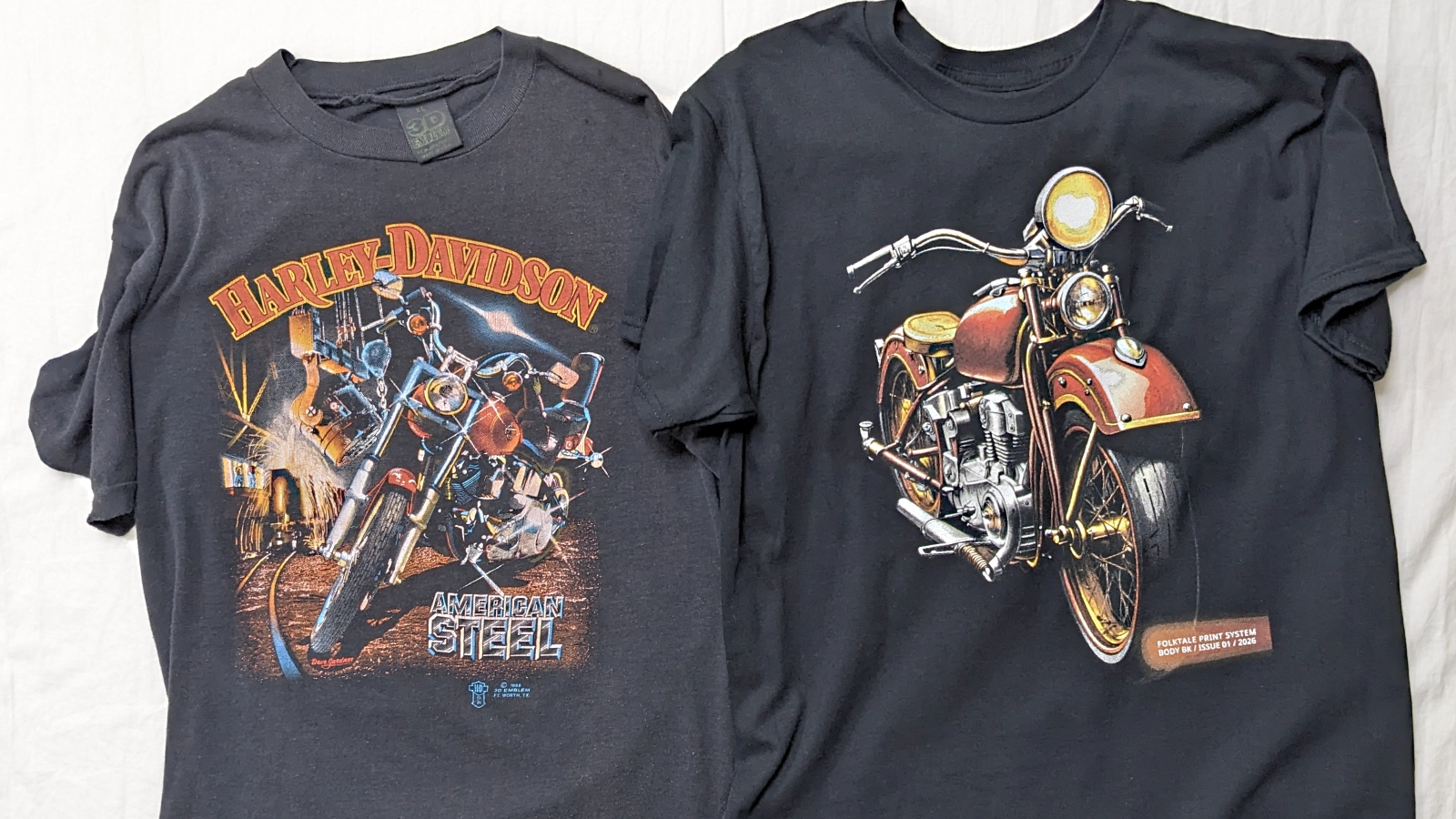
Can you trust the Printful mockup? Check DTG/DTF appearance in 30 seconds.
A repeated problem with Printify and Printful: the mockup looks convincing while the real DTG/DTF print arrives washed out. Before adjusting by instinct, identify where the file will break through a pre-order comparison.
Launch HALFTONE