Free · runs in your browser

Create your own design with the same printing method as a thrift-store vintage tee.

Why do brand-new prints look so flat?
  • Runs in the browser — nothing to install
  • No sign-up to try it, no watermark
  • Preview the result before you send it to print
Create your own design with the same printing method as a thrift-store vintage tee.

Take a closer look at the real thing

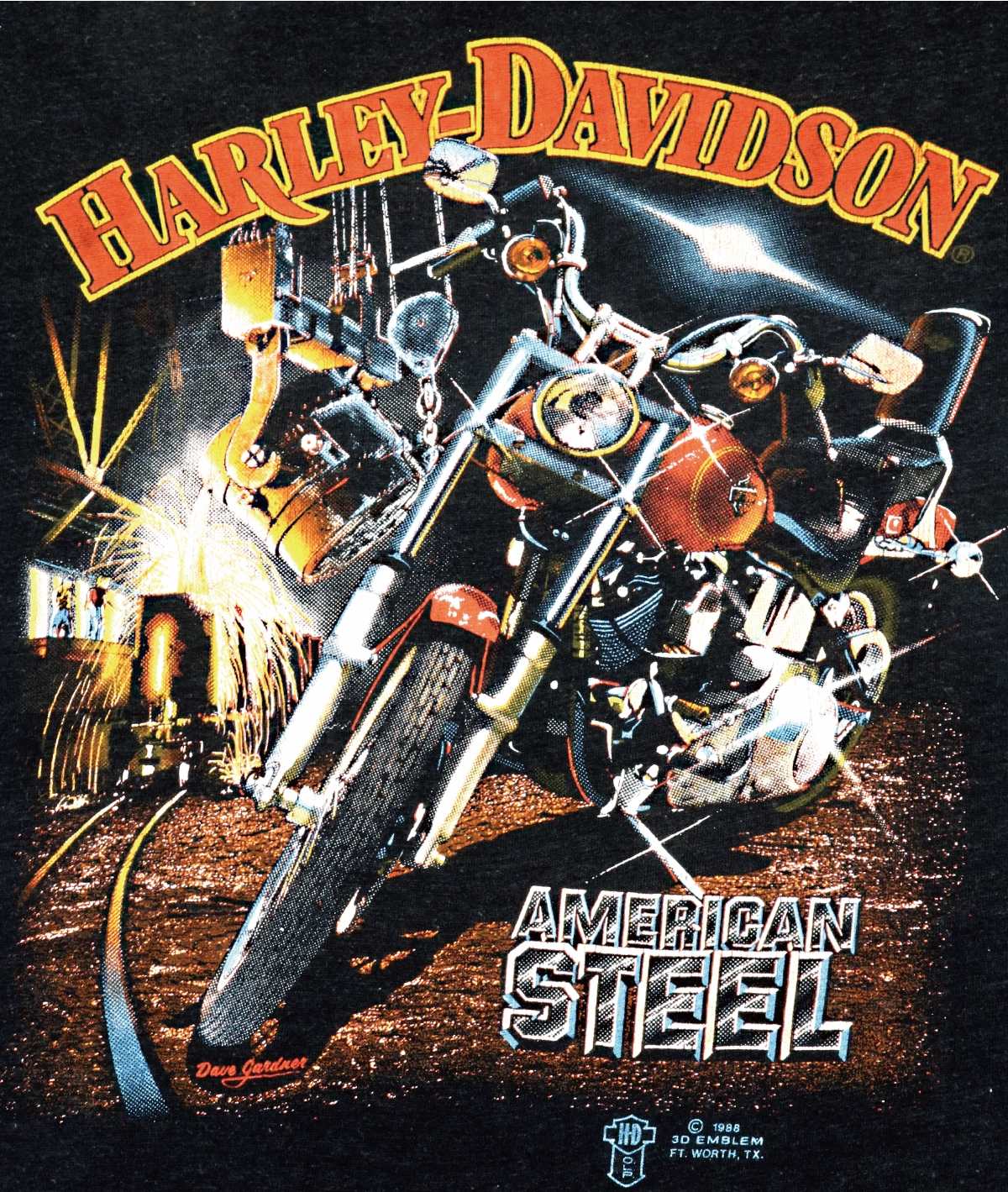
A vintage T-shirt from 1988 with a 3D Emblem print (AMERICAN STEEL), full view
A 1988 3D Emblem tee (AMERICAN STEEL)
The same T-shirt, enlarged. The colors are not painted on; the image is printed as tiny dots
The same shirt, enlarged

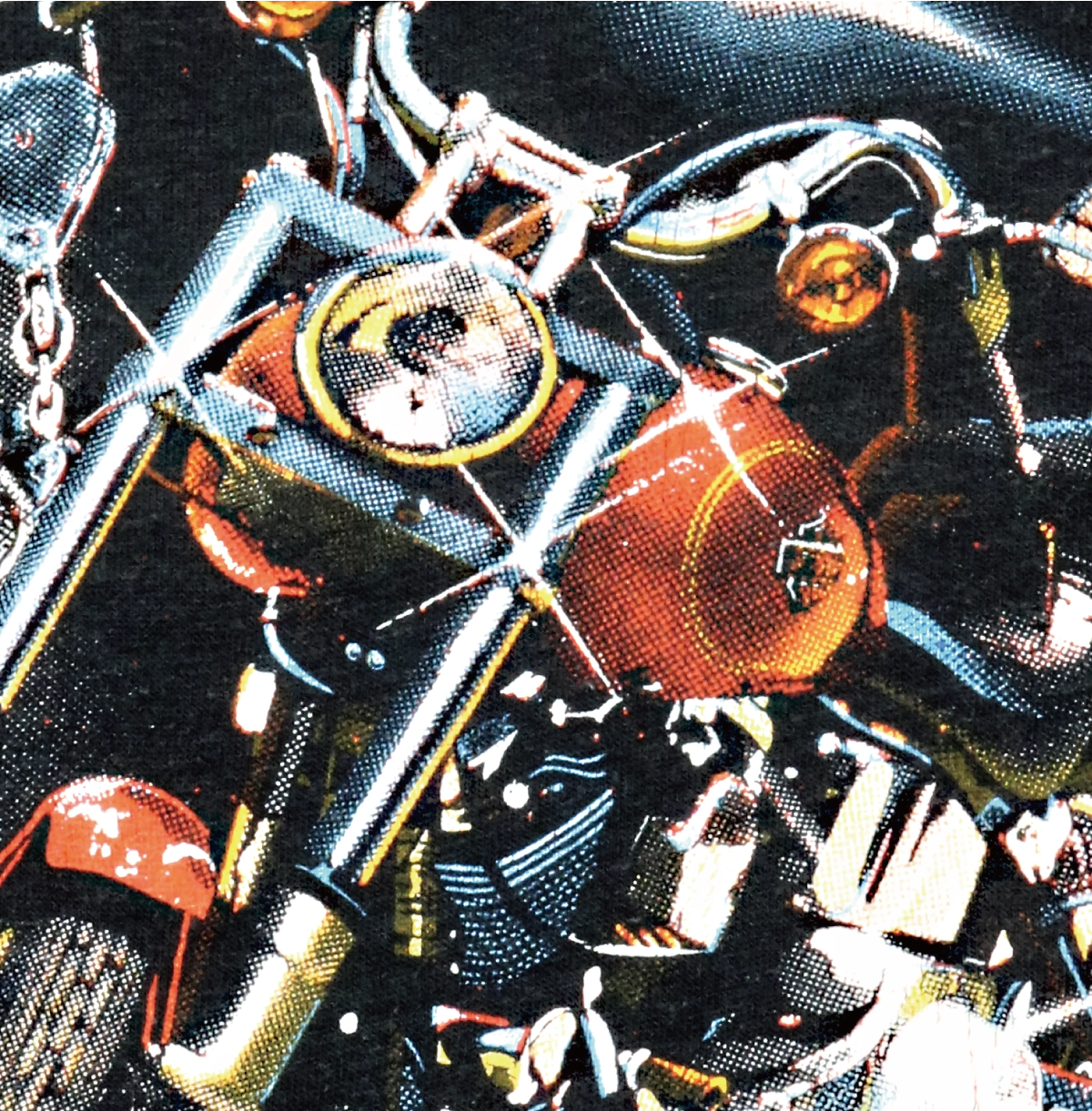
Up close, the colors aren't painted on. The image is printed as tiny dots. This is called halftone. The depth of a vintage tee, and the character that survives fading, comes from these dots.
Side by side with the real thing

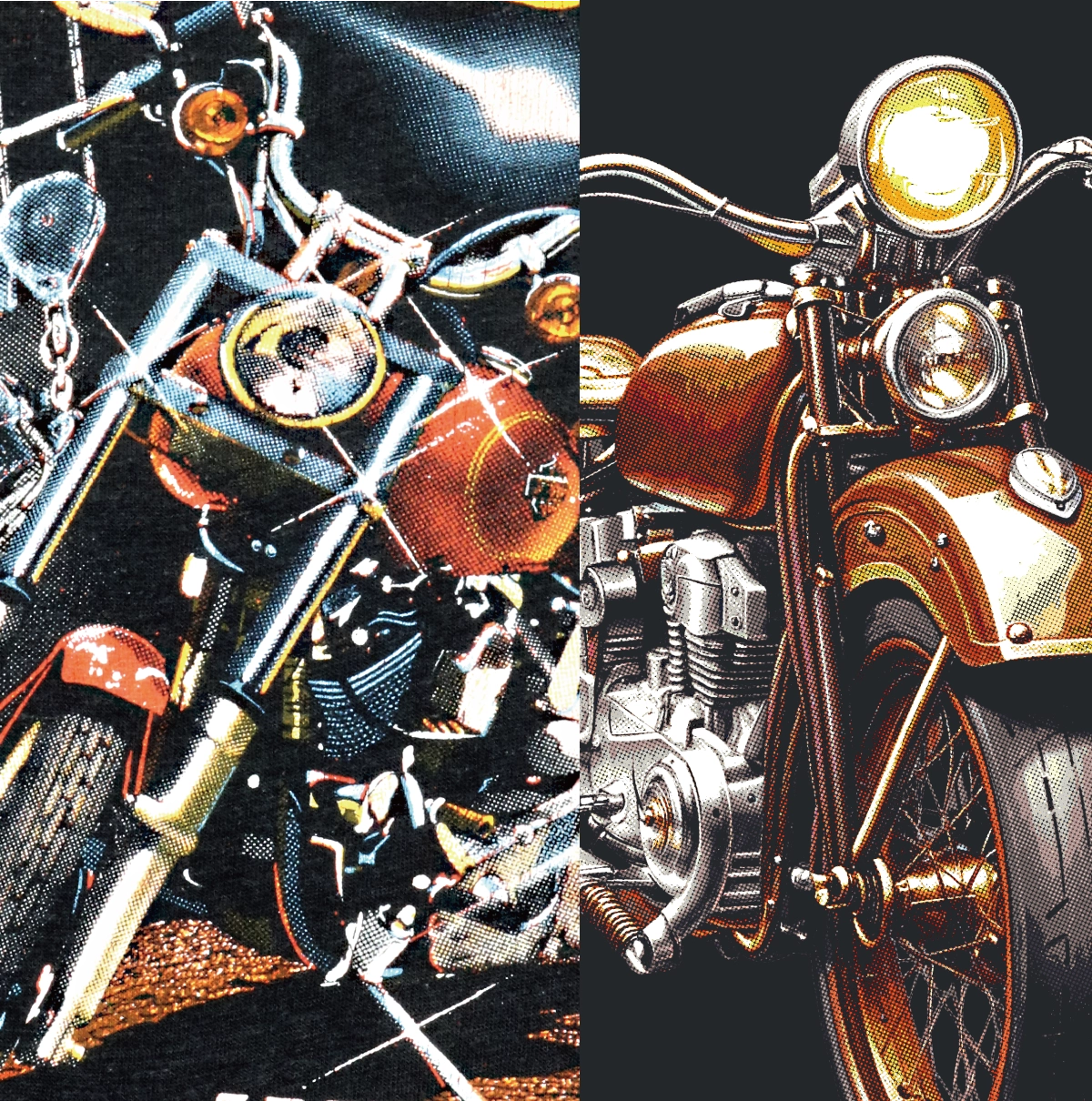
Left: a 1988 original, enlarged. Right: output from HALFTONE 80s Vintage
Left: a 1988 original (enlarged) / Right: output from HALFTONE 80s Vintage

On the left, a 1988 original. On the right, something made with this tool. A filter lays an effect over the surface of an image. The vintage look comes from the printing method itself, so we rebuild it from the printing method up.

On your own design

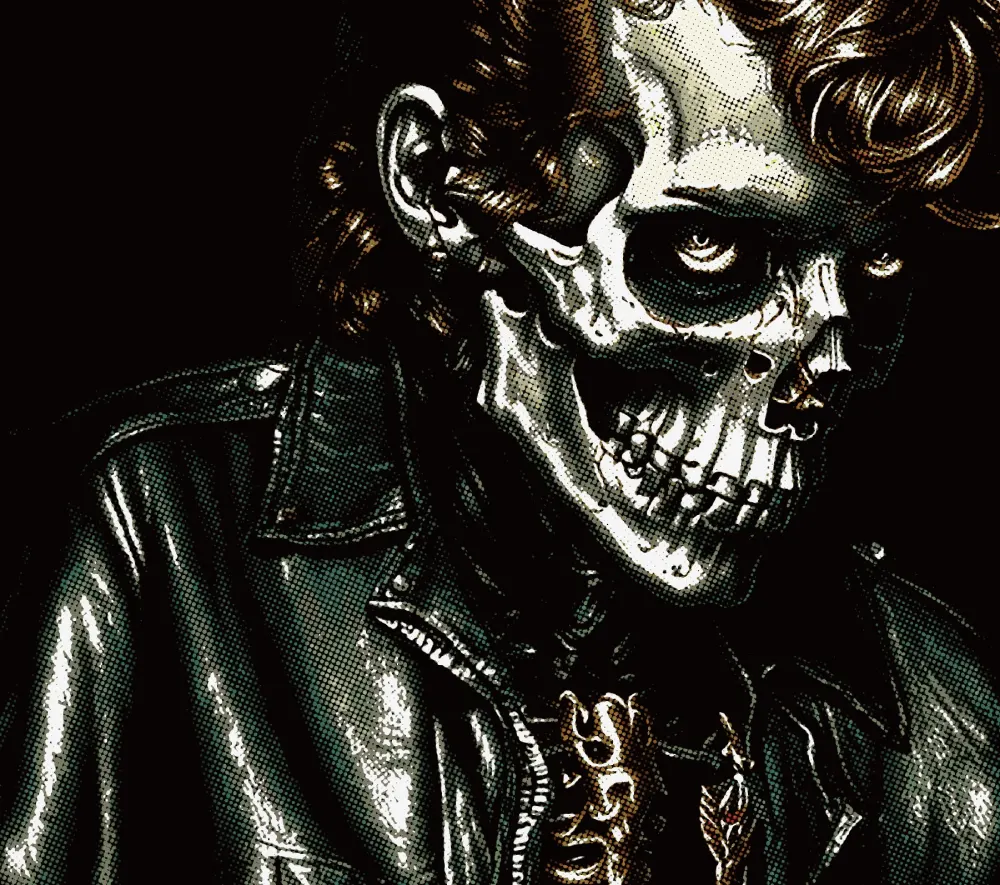
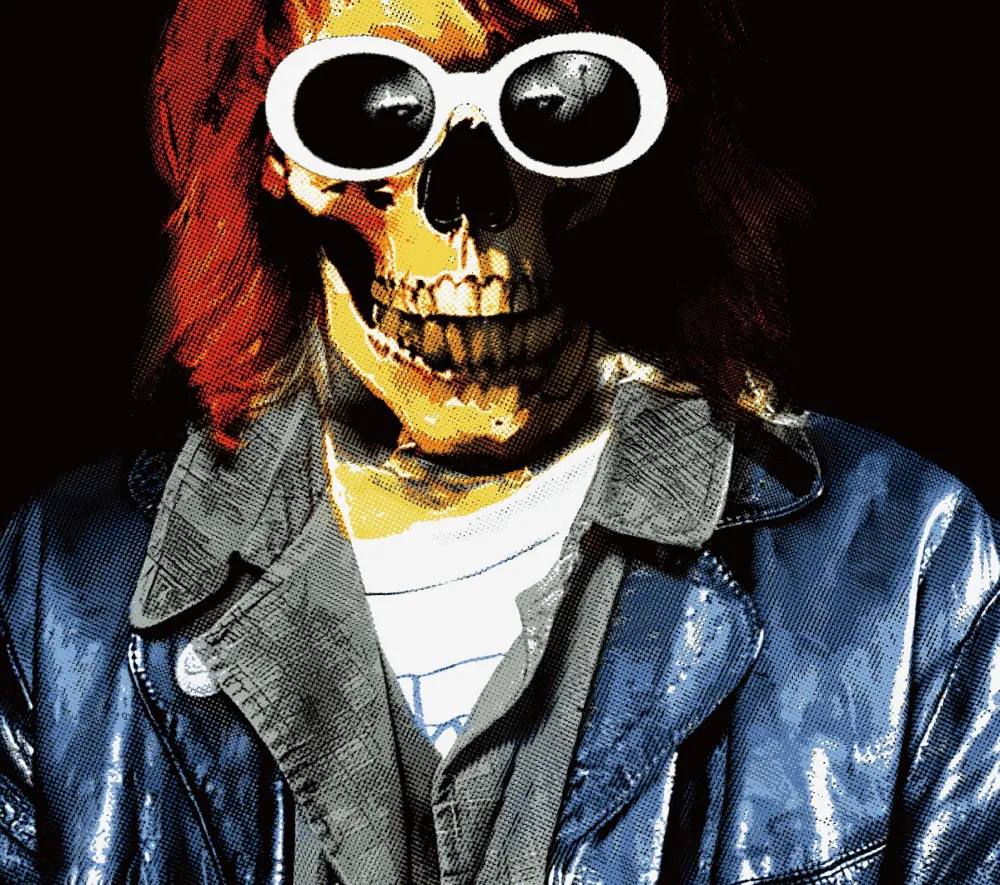
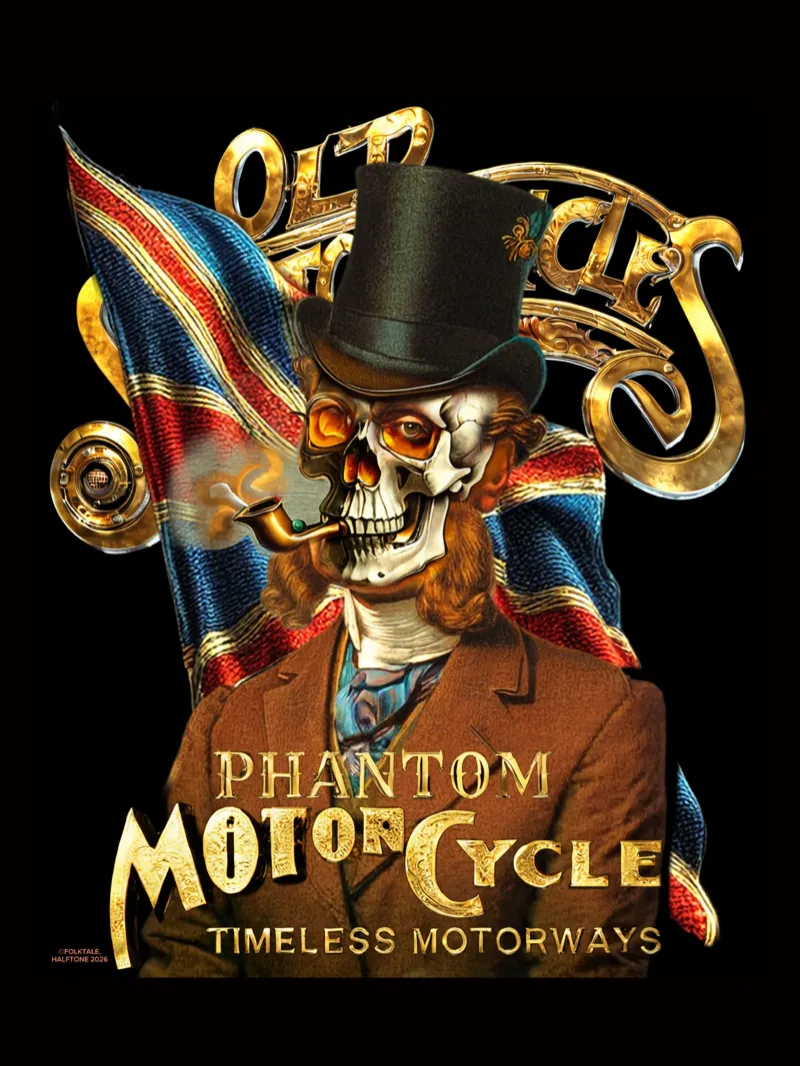
One click on the “80s Vintage” preset changes this much. Original on the left, converted on the right.
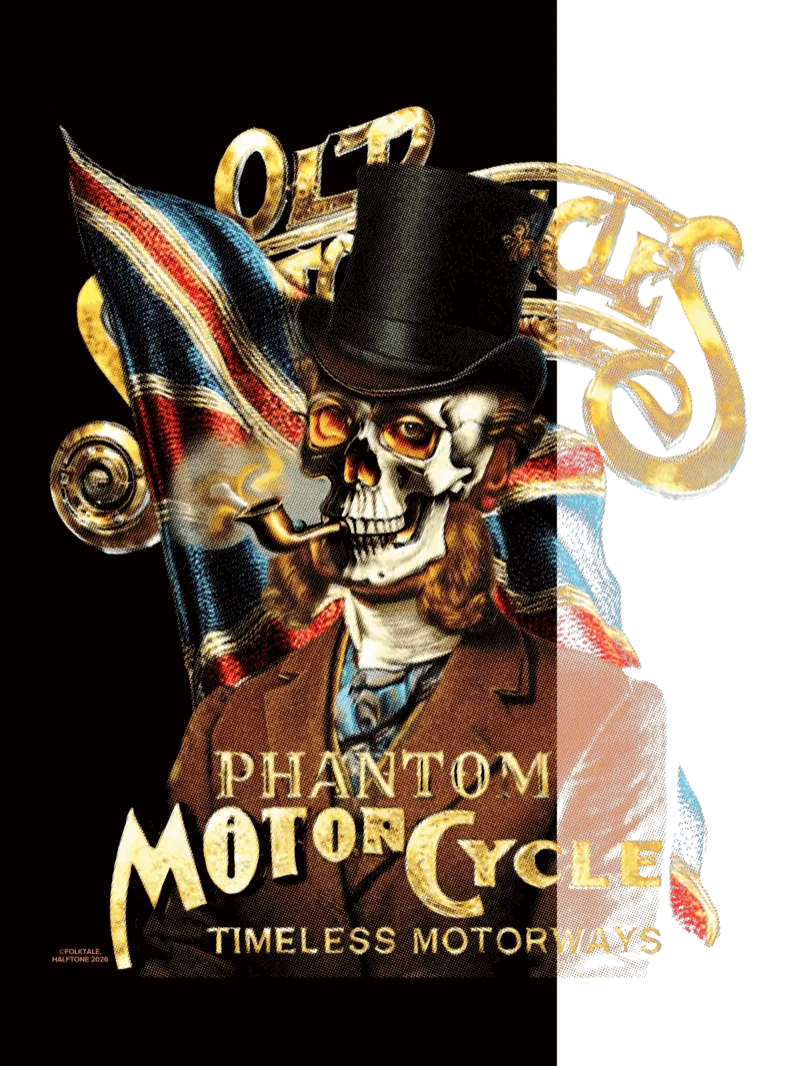
Original
Original
Converted
Converted

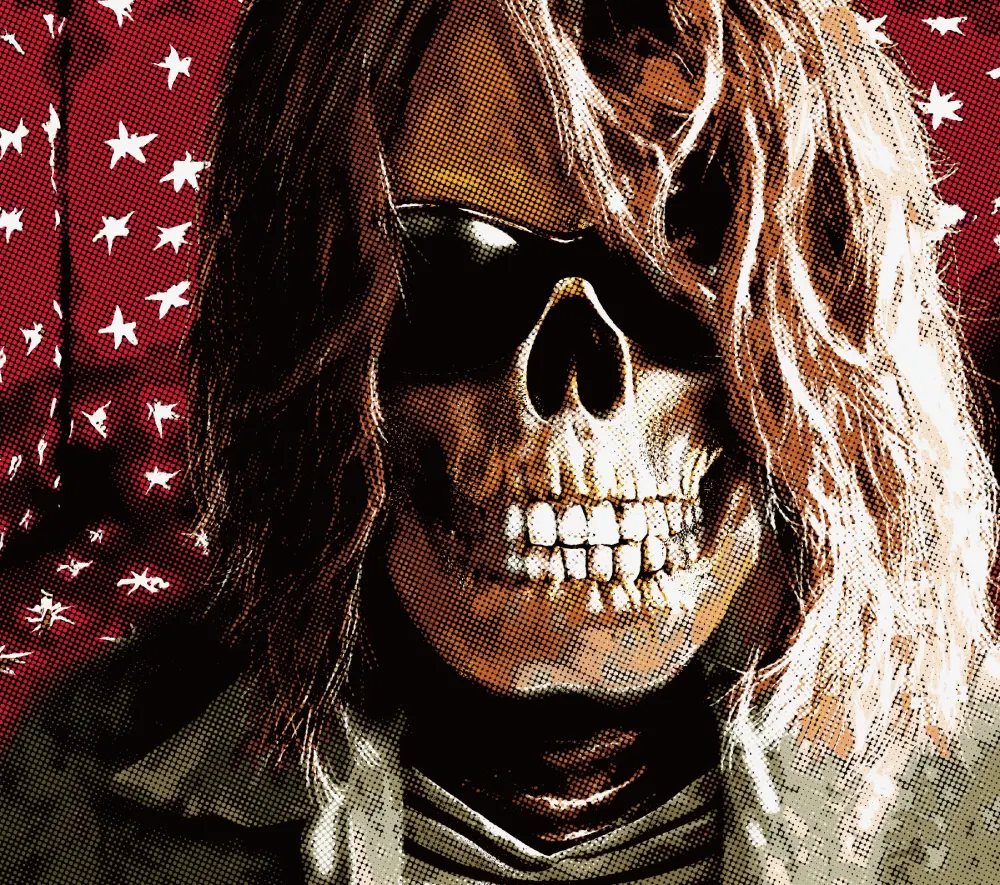
Halftone texture, up close

Up close, it's made of the same dots as a vintage tee.
How it works in three steps

01

Add your image

Drag your design into the browser. No special software, and no sign-up just to try it.

02

Pick 80s Vintage

The app opens on 80s Vintage. Tune the color and the dot coarseness until it suits your artwork.

03

Download

Export the converted image and drop it into your usual DTF or DTG upload.

Print it as-is, on today's printers

Use it as-is for your usual DTF, DTG or Printful upload. Dot size and coarseness can be adjusted to suit your printing method.
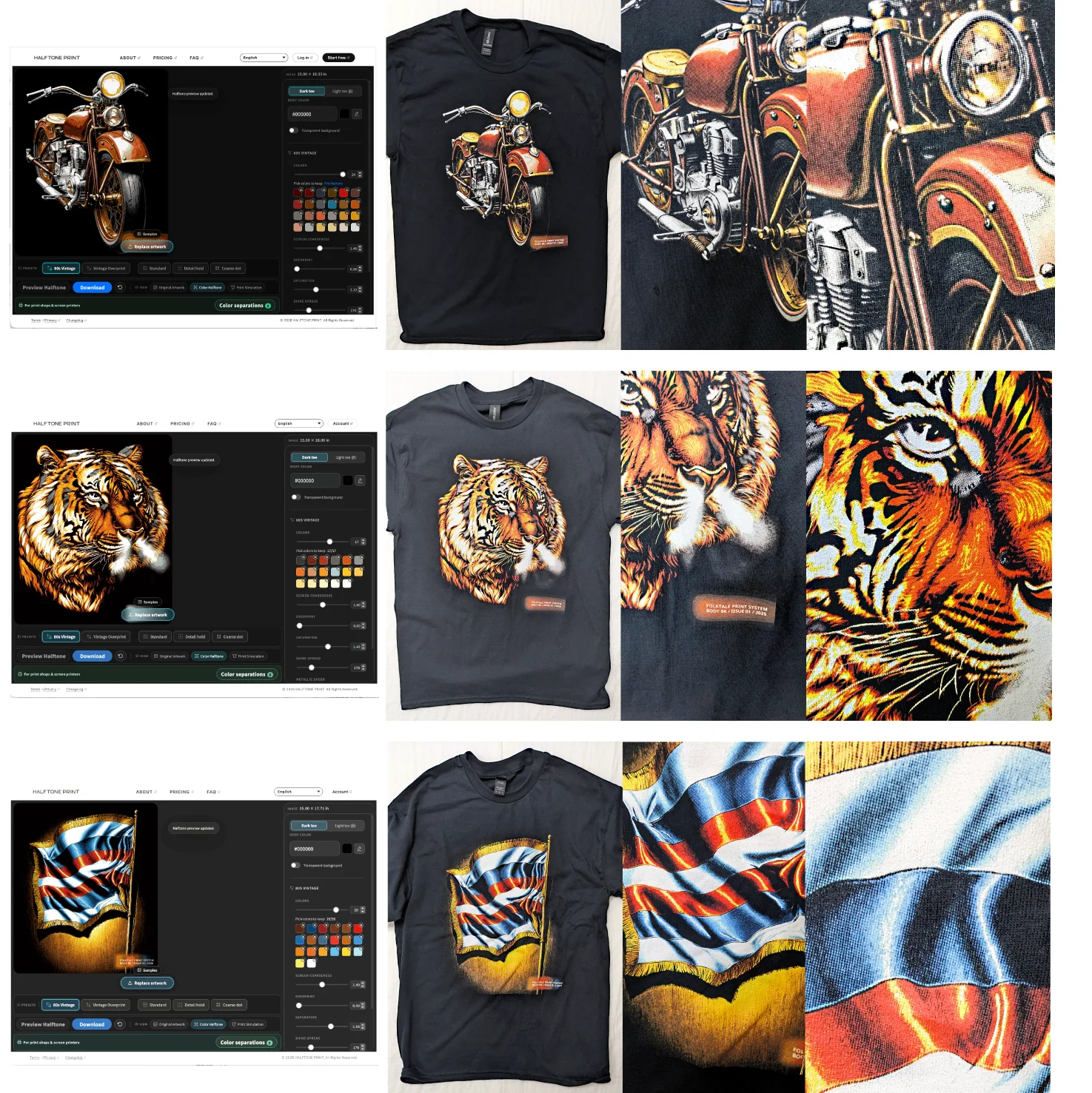
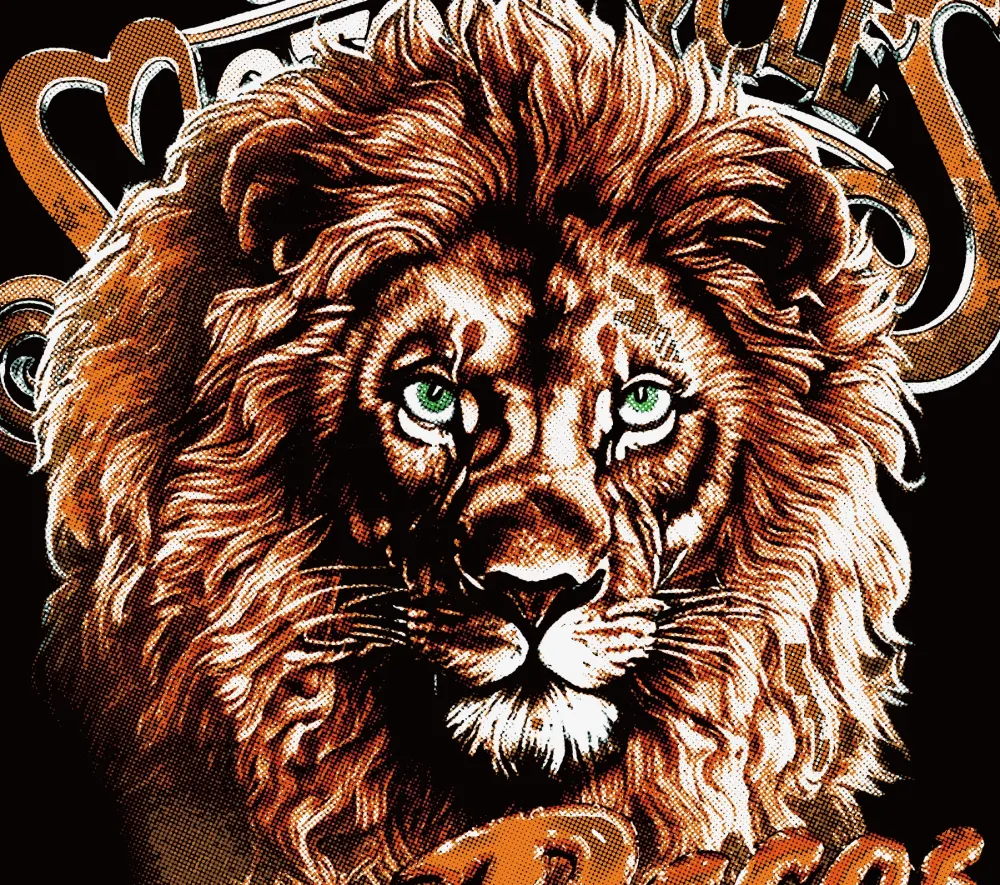
A halftone design made on screen (left), printed on a black T-shirt (middle) and enlarged (right, two columns). Three examples: motorcycle, tiger, flag
Made on screen (left), printed on a black T-shirt (middle, right). Three examples: motorcycle, tiger, flag.

Frequently asked questions

How is this different from Photoshop effects or filters?
A filter lays an effect over a finished image. The vintage look comes from the printing method itself, so HALFTONE rebuilds the image from the printing method up. See how this print look is made and digital vs. analog for more.
Can I print it on a regular T-shirt (DTF, DTG)?
Yes. Export the converted image as a PNG and use it in your usual DTF, DTG or Printful upload. It is made for black and dark garments (light garments are in beta).
Can it do the fading and cracking of a worn vintage tee?
The main thing is the print texture. Fading and cracking from wear are secondary, and not what this tool is built around.
How much can I use for free?
You can try it without signing up or installing anything, and nothing is watermarked. Downloads are free once without an account, and twice with a Google sign-in. After that, Pro is $5 per month.