
Upload your image
Drop your design in the browser. No special software and no sign-up to try it.
Halftone conversion for DTF
Convert any image into halftones ready for DTF printing, right in your browser. No install, no watermark.

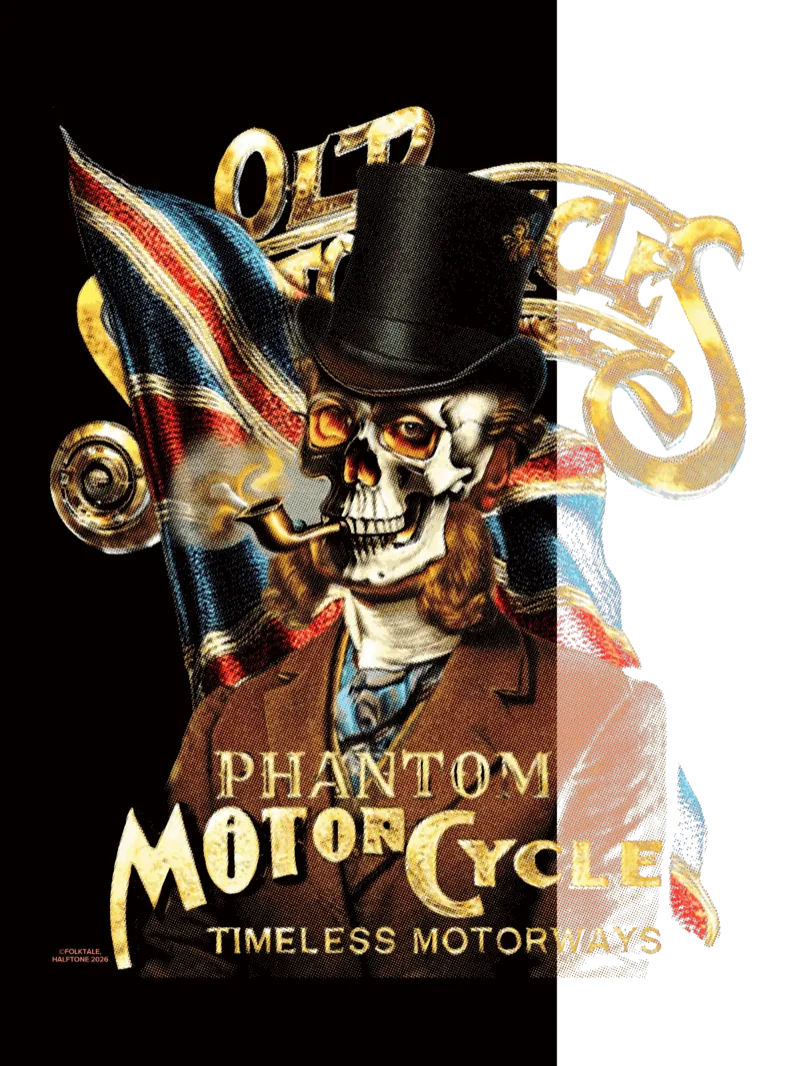
In DTF, smooth gradients and flat shadows tend to break when transferred to fabric: banding, dirty edges and lost detail. Halftone conversion breaks the image into dots — the technique print history used so that tone survives on any material.
HALFTONE applies that logic to your file so it reaches the DTF press at a printable density, and you confirm it with your own eyes before spending on a test transfer. It's a free, browser-based alternative to RIP software like AccuRIP or Photoshop halftone and color-separation plugins — no install and no watermark.
Upload your image
Drop your design in the browser. No special software and no sign-up to try it.
Pick a halftone preset
Start from a print-tuned preset and fine-tune dot size, angle and density until it fits your art.
Download and send to DTF
Export your converted image and take it into your usual DTF printing workflow.
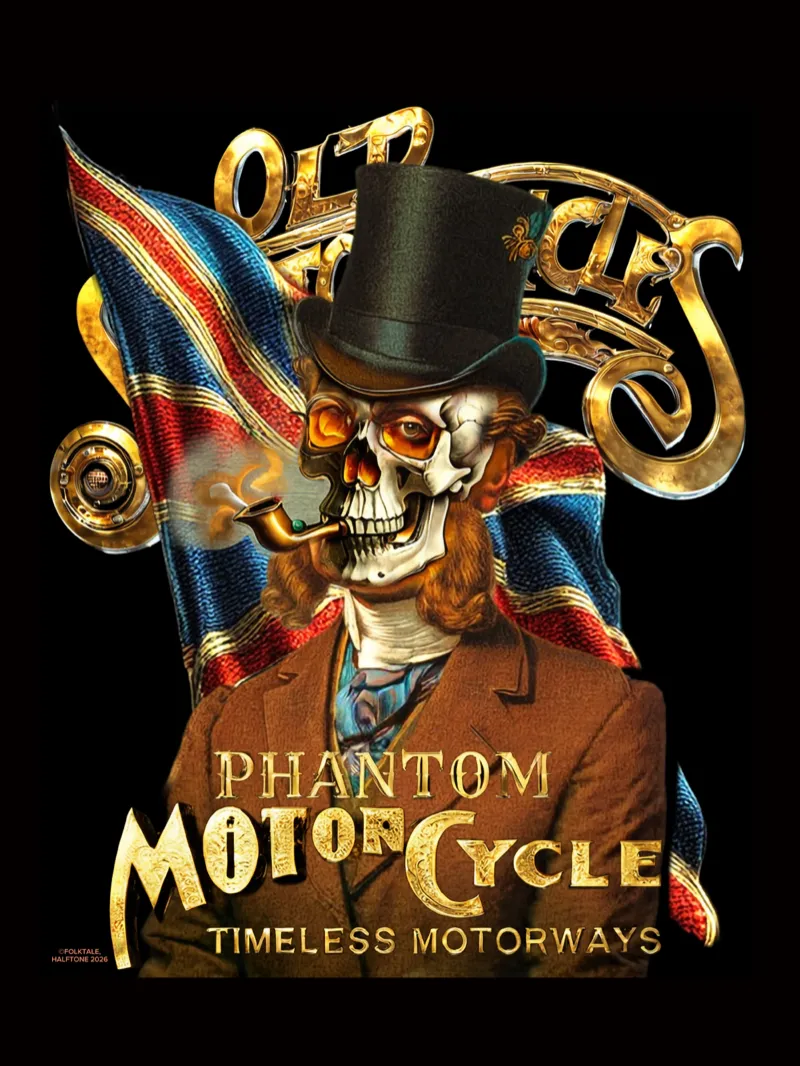
Original image on the left, halftone conversion on the right.
Converting to halftones and previewing the result is free. When you move to batch production, Base ZIP exports your design base ready for your workflow — a package built for DTF shops that repeat jobs.